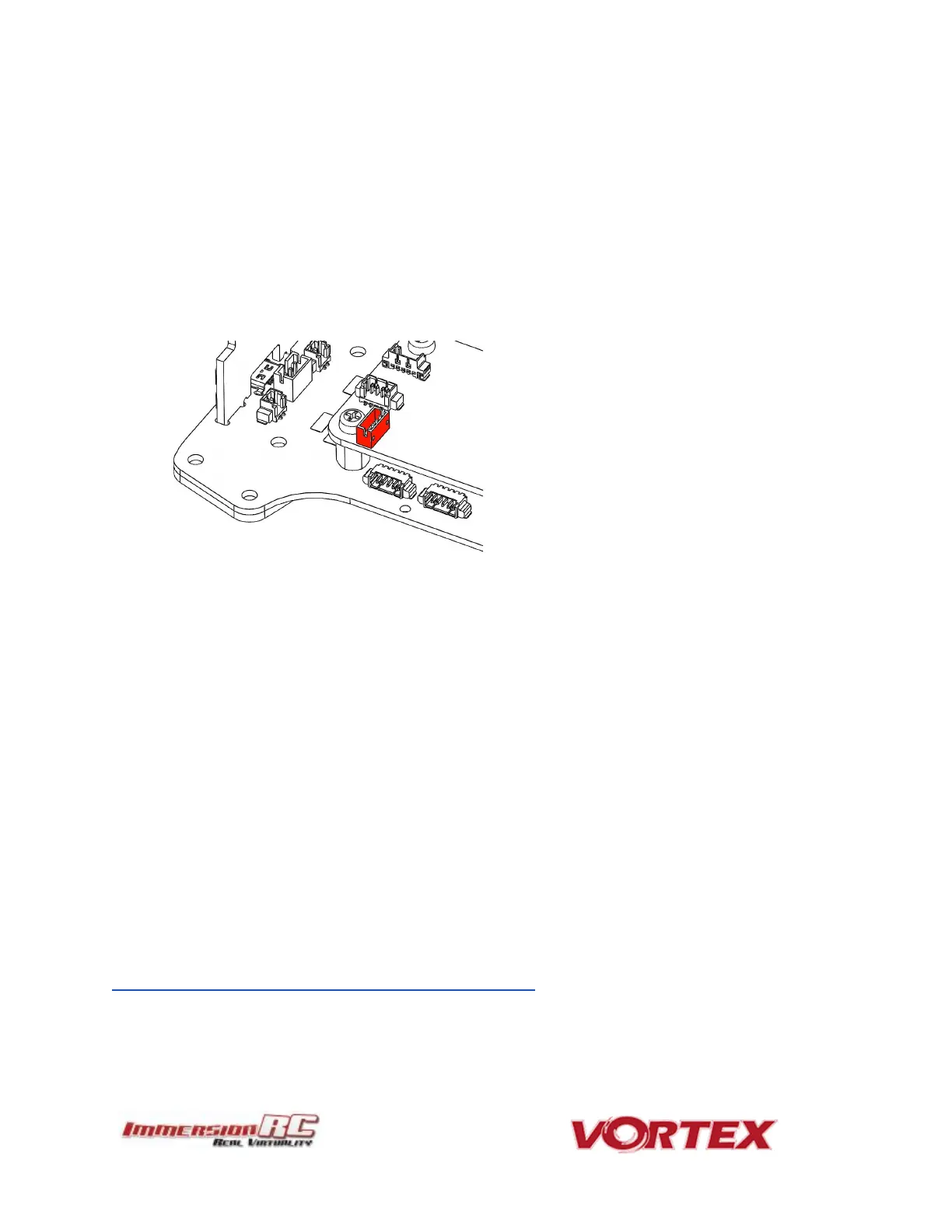
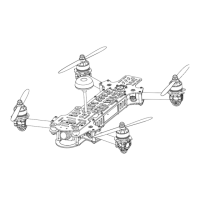
2) Also remove the two screws at the bottom of the right-hand side-plate, and remove the
side-plate.
3) Remove the installed CPPM cable.
4) Looking in the right side of the quad, a white connector is visible on the fusion (flight
controller) board.
Install the included S-Bus, or Spektrum cable, as required. Note that the fact that the top plate
screws are removed on the rear of the quad means that the top plate can be eased up a few
millimeters to allow the connector to be installed. Don’t force the two apart too much, or risk
damaging the PDB.
Notes on Receiver Selection
One critical parameter to keep to a minimum in a race quad setup is latency. Latency from
what the camera sees to the display device, and also from the control stick to the flight
controller.
For minimum latency, with reasonable range, the Spektrum™ radios and satellite receivers are
a great choice (with the best average ‘Stick to Flight Controller’ latency that we have
measured). Another good (and quite common) choice is the FrSky Taranis radio with a
matched S-Bus receiver (X4R for example).
For longer-range FPV, the EzUHF system is a good choice. Due to the close proximity of the
electronics and Video Transmitter on a mini-quad, and the lack of a suitable ground-plane, a
diversity receiver, with dipole antennas is highly recommended.
Note: A firmware update for all existing EzUHF receivers, along with the JR Module transmitter,
is now available, and slashes control latency for use with mini-quads.
This update, along with instructions for use, can be found in the EzUHF Owner’s group facebook
page:
https://www.facebook.com/groups/immersionrcezuhf/



 To Next Page