5-32
Simultaneous + keying may also make the motor ready for jogging de-
pending upon whether keypad operation or terminal command operation is selected
and whether the (JOG) command is on or off, as listed below.
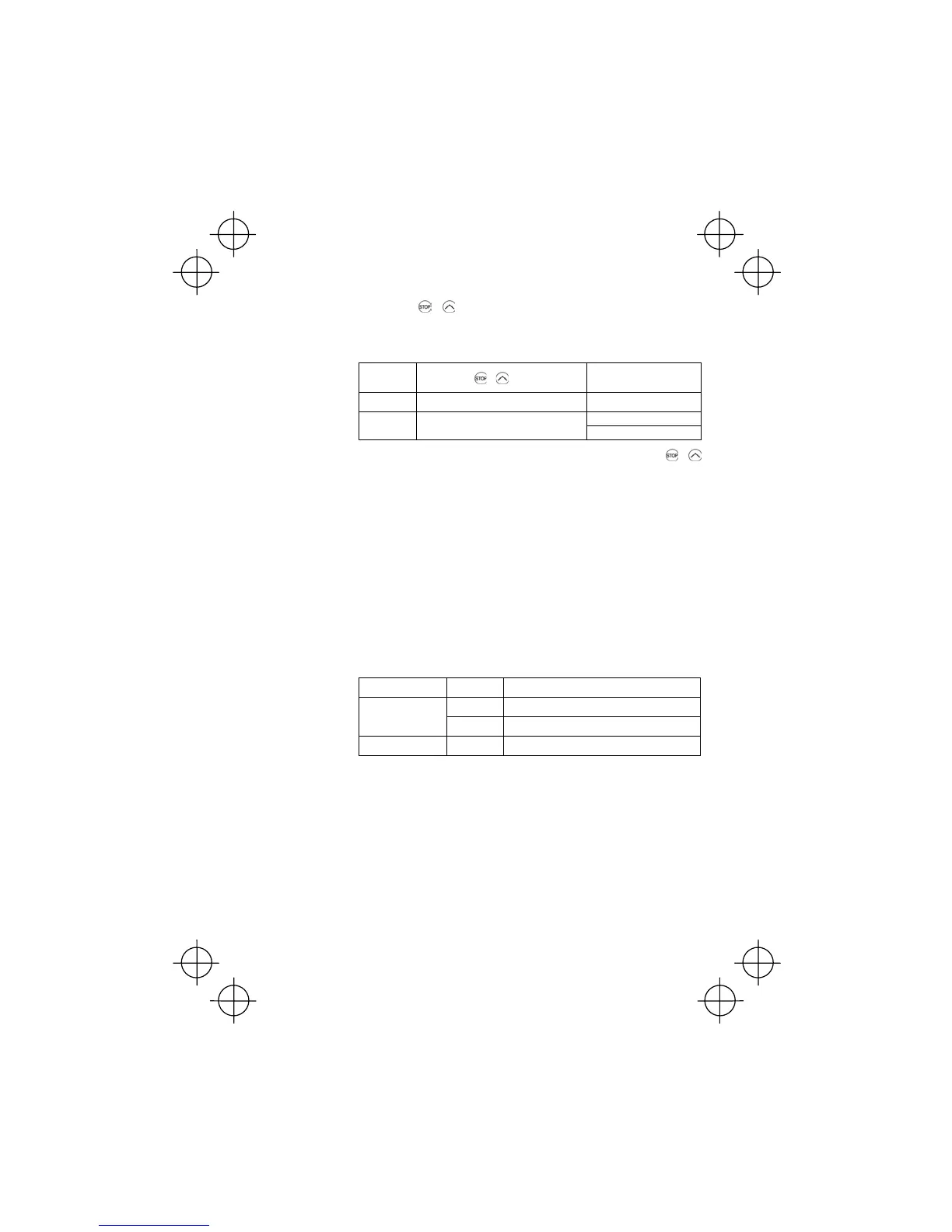
When operated from keypad (F02 = 0, 2, or 3)
If (JOG) is:
+ keys
The motor becomes
ready for:
ON Disabled.
Jogging
Normal running
OFF
Toggles between normal and jogging.
Jogging
When terminal command operation is selected (F02 = 1), simultaneous +
keying is disabled.
Select frequency command 2 or 1--(Hz2/Hz1)
(Function code data = 11)
㩷
Turning the digital input signal (Hz2/Hz1) on/off may switch the frequency command
means between frequency command 1 (defined by function code F01) and fre-
quency command 2 (defined by function code C30).
Turning the (Hz2/Hz1) command on allows the frequency command 2 to be se-
lected.
Enable editing of function code data from the keypad--(WE-KP)
(Function code data = 19)
㩷
Turning off the (WE-KP) command prohibits changing of function code data from
the keypad.
Only when the (WE-KP) command is on, you may access function code data from
the keypad according to the setting of function code F00 as listed below.
If (WE-KP) is set to: F00 Function
0
Permit editing of function code data
ON
1
Inhibit editing of function code data except F00
OFF Disabled
Inhibit editing of function code data
If the (WE-KP) command is not assigned to any terminal, the inverter will interpret
(WE-KP) as being always on.
Disable PID control--(Hz/PID)
(Function code data = 20)
㩷
Turning the (Hz/PID) command on/off enables or disables the PID control.
If the PID control is disabled with the (Hz/PID) being off, the inverter runs the motor
with the frequency manually set by any of multistep, keypad, or analogue input.



 To Next Page