30 INSTINCT User Manual rev 01 04/18
Operation Section 3
SETTING THE TIMER
The timer function can be set for both Cooking
or Holding Modes.
1. After setting power level or temperature,
double click the knob to switch to Timer
Mode.
2. Turn knob to set the timer from minimum 1
minute to maximum 240 minutes. The LED
ring will flash.
3. Click knob 1 time to confirm and start the
count-down.
4. Note when using Hold-Mode with Timer, the
display will show alternately the actual tem-
perature and the count-down.
5. After the set time is elapsed, the appliance
will sound a beeping signal and the unit will
automatically shut down if the operator takes
no action.
TURNING OFF
When in Cook or Hold Mode, turn knob to go to
the lowest power level or lowest temperature.
When LED ring is flashing, turn knob slightly to
turn off the appliance.
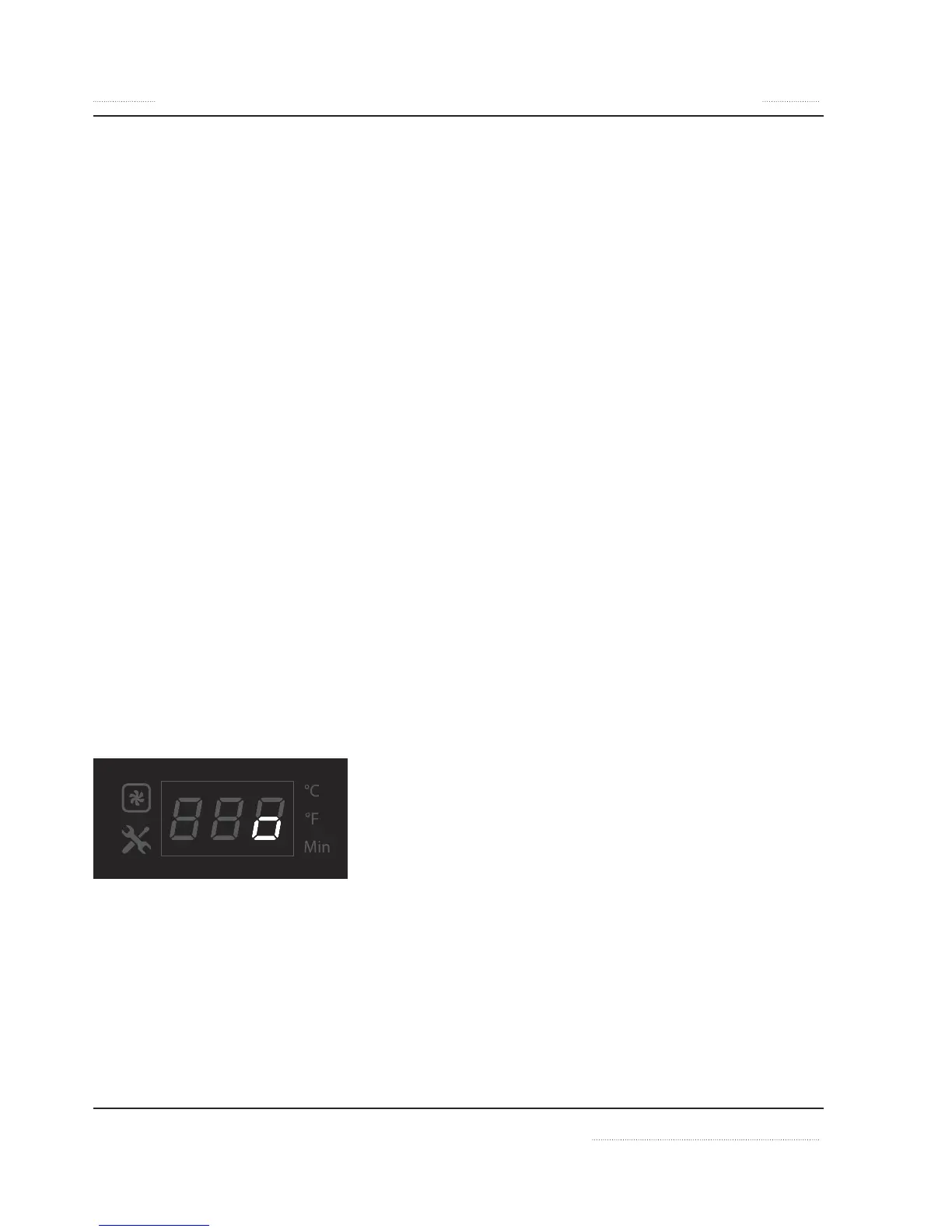
When the unit is switched off, a
o appears in the
display.
Additional Settings
Additional settings are available to reduce power
level, and to set display to °C or °F.
To activate the additional settings:
1. Press down knob while connecting unit to
power outlet.
2. Then turn knob to select setting P1 or P2:
• P1 = Reduce nominal max power from
100% to 25%
• P2 = Change temperature from °C to °F
(function not available on Wok models)
• P3 = Shows the actual Firmware number.
• P4 = Enable / Disable buzzer (timer func-
tion)
3. Click knob 1 time (1x) to confirm selection.
4. In P1, turn knob to select power.
In P2, turn knob to select °C or °F.
In P4, turn knob to select “on” or “oFF”
5. Click knob 1 time (1x) to confirm selection.
6. To leave the special setting function, keep
pressing down the knob until the normal
cooking or hold mode is shown on display.


 To Next Page