EasyManua.ls Logo

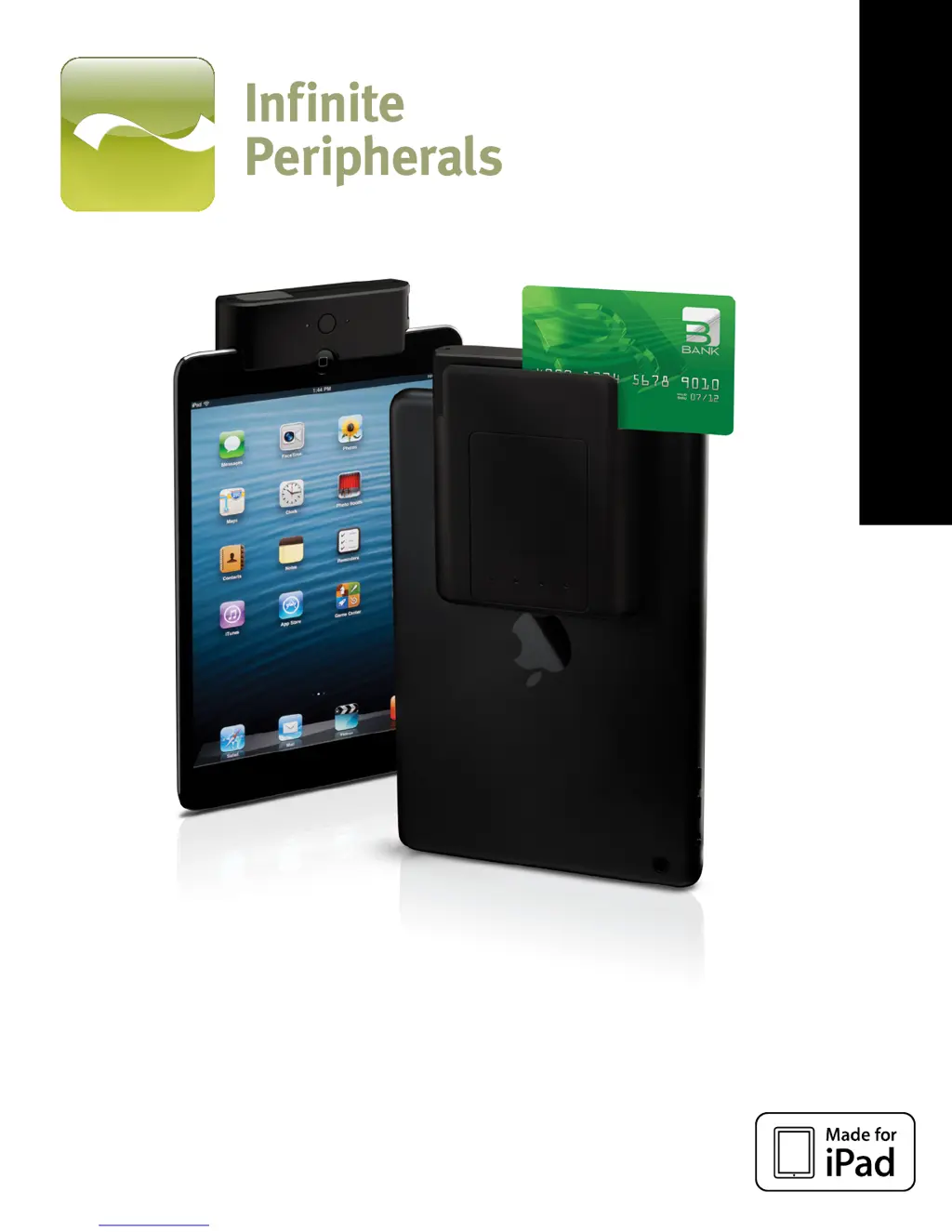
Infinite Peripherals INFINEA TAB M - User Manual

Infinite Peripherals INFINEA TAB M
23 pages
Print Icon
To Next Page IconTo Next Page
Loading...
INFINEA TAB M USER MANUAL
INFINEA TAB M
iPad® mini 1D/2D SCANNER

Other manuals for Infinite Peripherals INFINEA TAB M

Questions and Answers

  • C
    christopherchurchJul 30, 2025
    What to do if no card data is returned during swiping on Infinite Peripherals Scanner?
    • J
      Jennifer MooreJul 30, 2025
      If the Infinite Peripherals Scanner doesn't return any card data when swiping, there might be several reasons. First, ensure that the Infinea TAB M is turned on. Next, verify that you are using the correct swiping technique. Inspect the read head for any faults. Also, check if the magnetic strip on the card is readable. If you're using a secured head reader, make sure the encrypted data is being decrypted properly. Finally, if the secured head is in tamper-detected mode, reset it to normal mode.
  • S
    Scott EvansAug 14, 2025
    Why is Infinite Peripherals Scanner returning partial card data during swiping?
    • A
      amuellerAug 14, 2025
      If the Infinite Peripherals Scanner is only returning partial card data during swiping, it could be due to a few reasons. Double-check that you are using the correct swiping technique. Inspect the read head for any possible faults. Also, ensure that the magnetic strip on the card is readable.

Summary

Technical Data

Getting Started

Quick Start Guide

Step-by-step instructions for initial setup, including charging, software installation, and device attachment.

About Your Infinea TAB M

Assembling Your Infinea TAB M

Charging Your Infinea TAB M

Status and Operational Modes

Features-Barcode Scanning

Scanning Barcodes

Instructions on activating and positioning the scanner for optimal barcode reading.

Features-Magnetic Card Reader

Reading Magnetic Strips

Guidance on swiping cards correctly for data capture.

Features-RFID Card Reader

Syncing

Replacing Battery

SRED Encrypted MSR Information

Troubleshooting -MSR Card Reading

Troubleshooting -Barcode Scanning

Troubleshooting -RFID Card

Infinite Peripherals INFINEA TAB M Specifications

General IconGeneral
TypeBarcode Scanner
Scanning TechnologyLaser
Scanning RangeUp to 24 inches
ConnectivityBluetooth
CompatibilityiOS
Supported DevicesiPad, iPad mini
Barcode SymbologiesCode 39, Code 128, QR Code
EncryptionAES Encryption
Weight5.6 oz