SYNCING
The iPad mini can sync with iTunes through the Infinea TAB M while
connected.
To sync iPad mini with iTunes through the Infinea TAB M follow the steps
below;
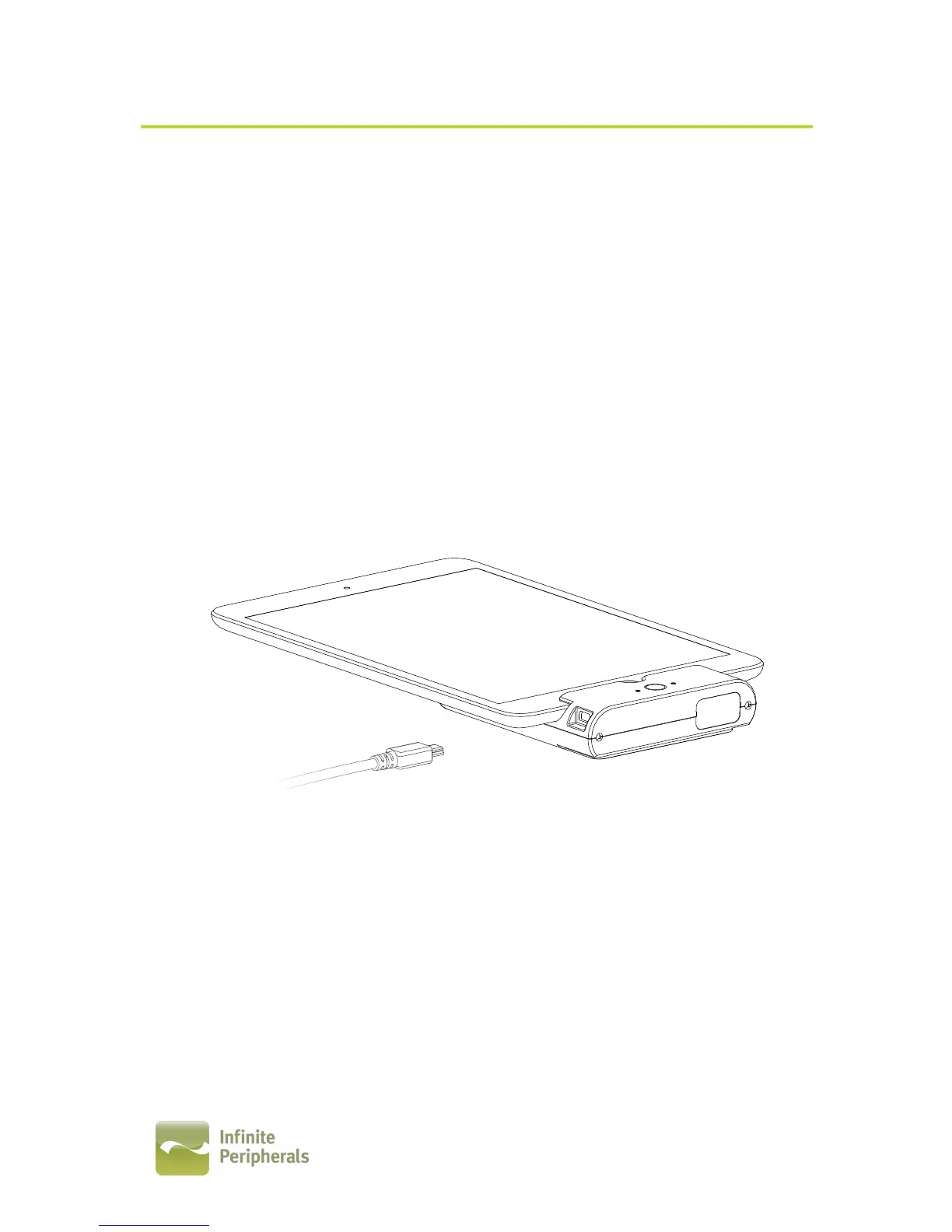
1. Connect the Infinea TAB M to a computer using a Mini USB cable as
shown in the figure below.
2. Wait for the sync mode beep and the LED flashes green.
The Infinea TAB M should now be in sync mode. Refer to the iTunes
documentation for syncing your iPad mini.
!
!
!
!
!
!
!
!
Note:
There are no debugging capabilities on any Lighting connector products.
!


 To Next Page