21
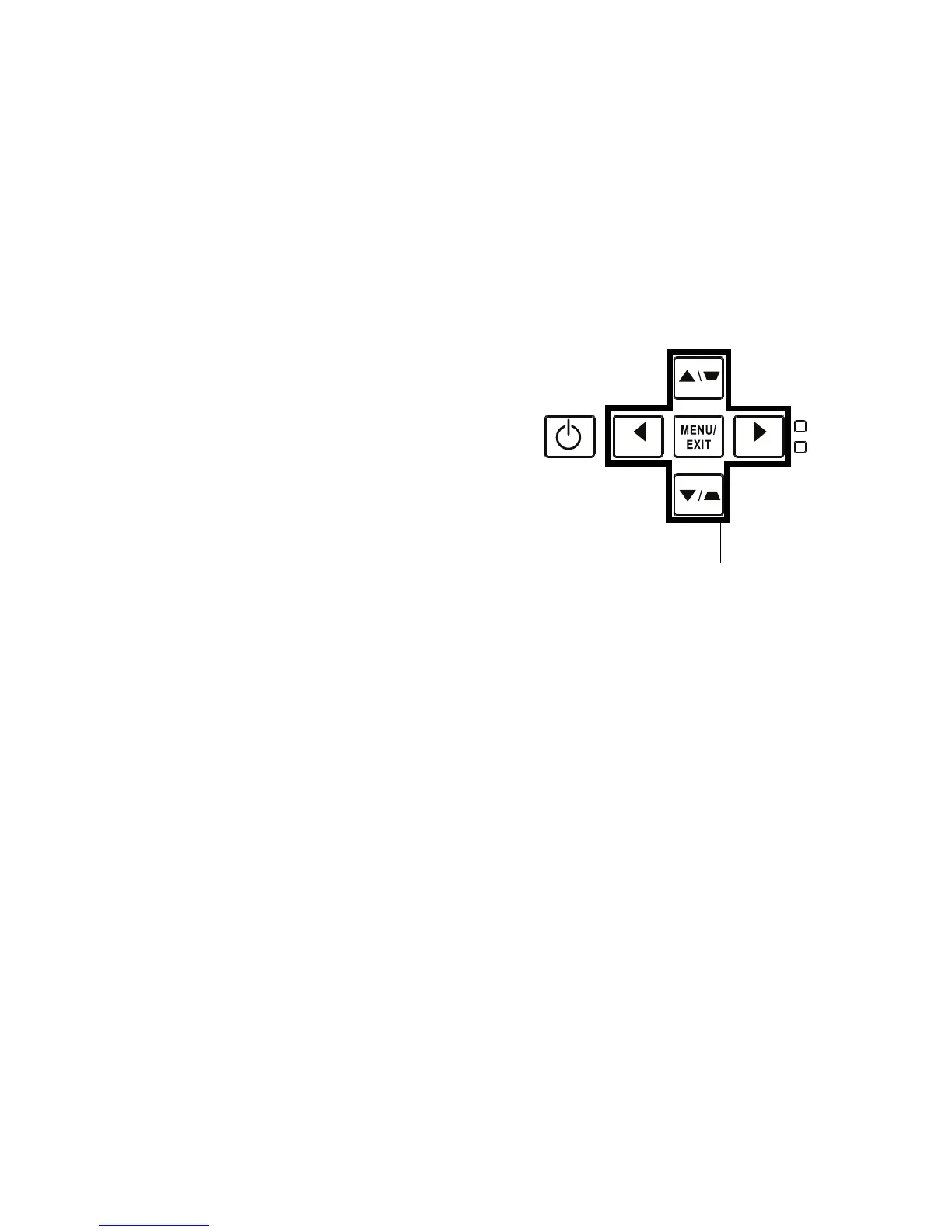
Using the keypad buttons
Most buttons are described in detail in other sections, but here is an overview of
their functions:
Power–turns the
pro
jector on and off (page 8).
Right arrow/Presets - When the
menu is displayed, the right arrow button navi-
gates through the menu. When the menu is not displayed, this button cycles
through
available preset options.
Up arrow/Keystone
- Wh
en the menu is displayed, the up arrow button navigates
through the menu. When the menu is not displayed, this button adjusts the square-
ness of the image (page 9).
Down arrow/Keystone - When the
menu is displayed, the down arrow button nav-
igates through the menu. When the menu is not displayed, this button
adjusts the
squareness of the image (page 9).
Left arrow/Source - When the menu is displayed, the left arrow button navigates
through the menu. When the menu is not displayed, this button brings up a source
menu, allowing the user to change the active source (page 8).



 To Next Page