25
Basic Menu
To adjust the following settings, highlight the setting, use the right and left arrows
to adjust the values.
Aspect Ratio:
Aspe
ct ratio is the ratio of the image width to image height. TV
screens are usually 4:3. HDTV and most DVDs are 16:9.
Select Auto to have the projector choose
the ratio.
Choose Native to see the
unmodified input with no resizing by the projector. Select 16:9 to watch enhanced
widescreen DVDs.
Auto Image:
resets the projector to the source.
Brightness: changes the
intensity of the image.
Contrast: controls the degree of difference between the lightest and darkest parts of
the picture and changes the amount of black and white in the image.
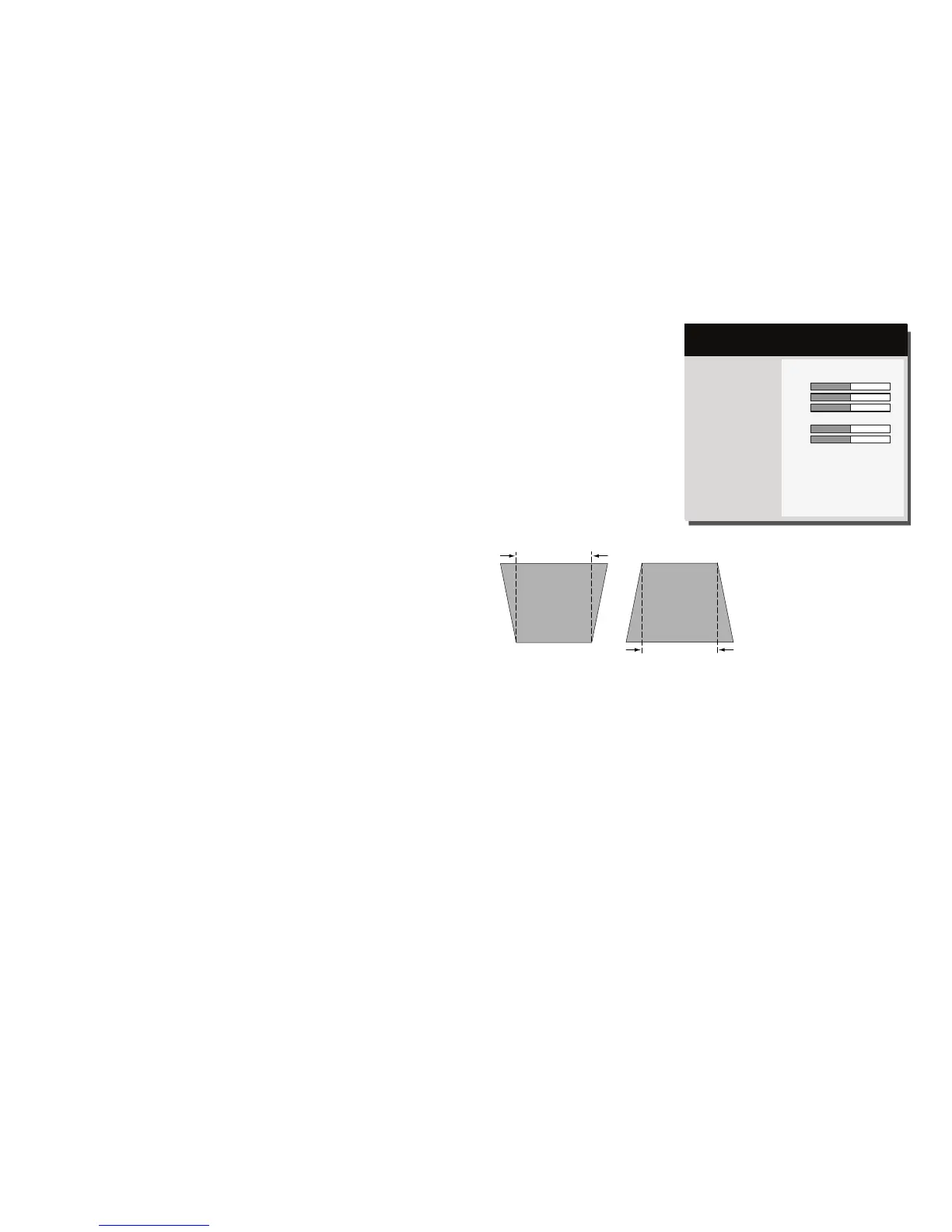
Keystone: adjusts the image vertically and makes
a squarer image. You can also
adjust keystone from the keypad.
Presets: Presets are provided that optimize the
projector for displaying computer
presentations and video images under certain conditions. Note: Users can save their
settings as a User Preset.
Sharpness: Changes the clarity of
the edges of a video image. Select a sharpness
setting.
Volume: increases
or decreases the
audio volume.
Ceiling Mount: turns the image upside down for ceiling-mounted projection.



 To Next Page