5
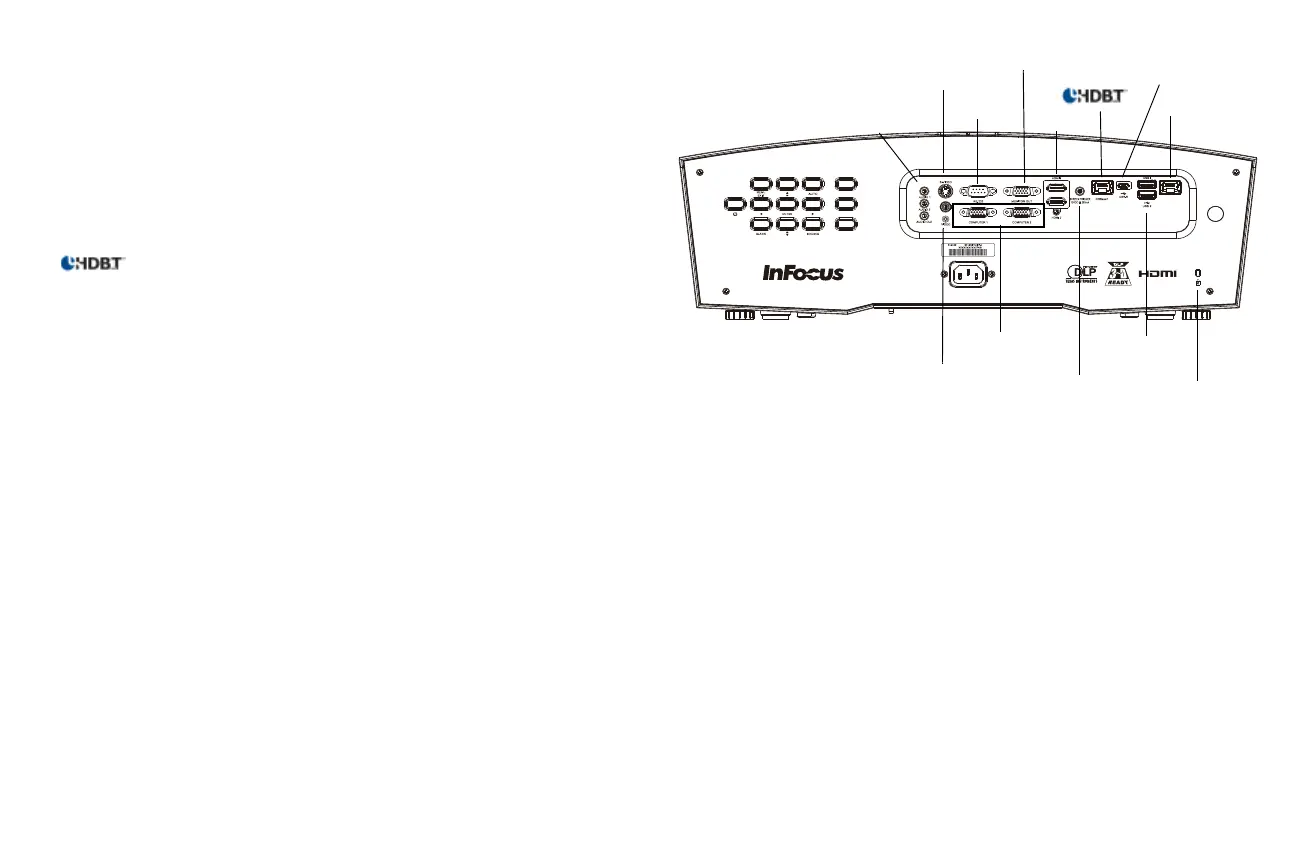
Connector panel
The projector provides both computer and video connection options.
• VGA computer (2)
• Composite video
•HDMI (2)
•S-video
• USB Micro-B connector for firmware upgrades and slide advance.
• USB A connectors (2) for reading USB drives, wireless mouse/keyboard
control, and using a LightCast key.
• ................ Class C connection for video over ethernet and LAN control of the
projector.
• LightCast for video over ethernet using the LightCast application and LAN
control of the projector.
• Monitor out, for VGA pass through to an external monitor.
• Audio inputs for video and computer.
• Audio output to external speakers.
• 12v 3.5mm DC screen trigger
Note: If you connect your projection screen to this output using the cable
that came with your screen, the screen will move down when the lamp is
turned on and the screen will return to its storage position, when the lamp is
turned off.
• RS-232 serial control. Command control codes are on our support website at
www.infocus.com/support.
RS232
computer
composite video
audio in/out
security lock
HDMI
LightCast
monitor out
S-video
12V Screen
Trigger
USB A
USB Micro-B



 To Next Page