9
•
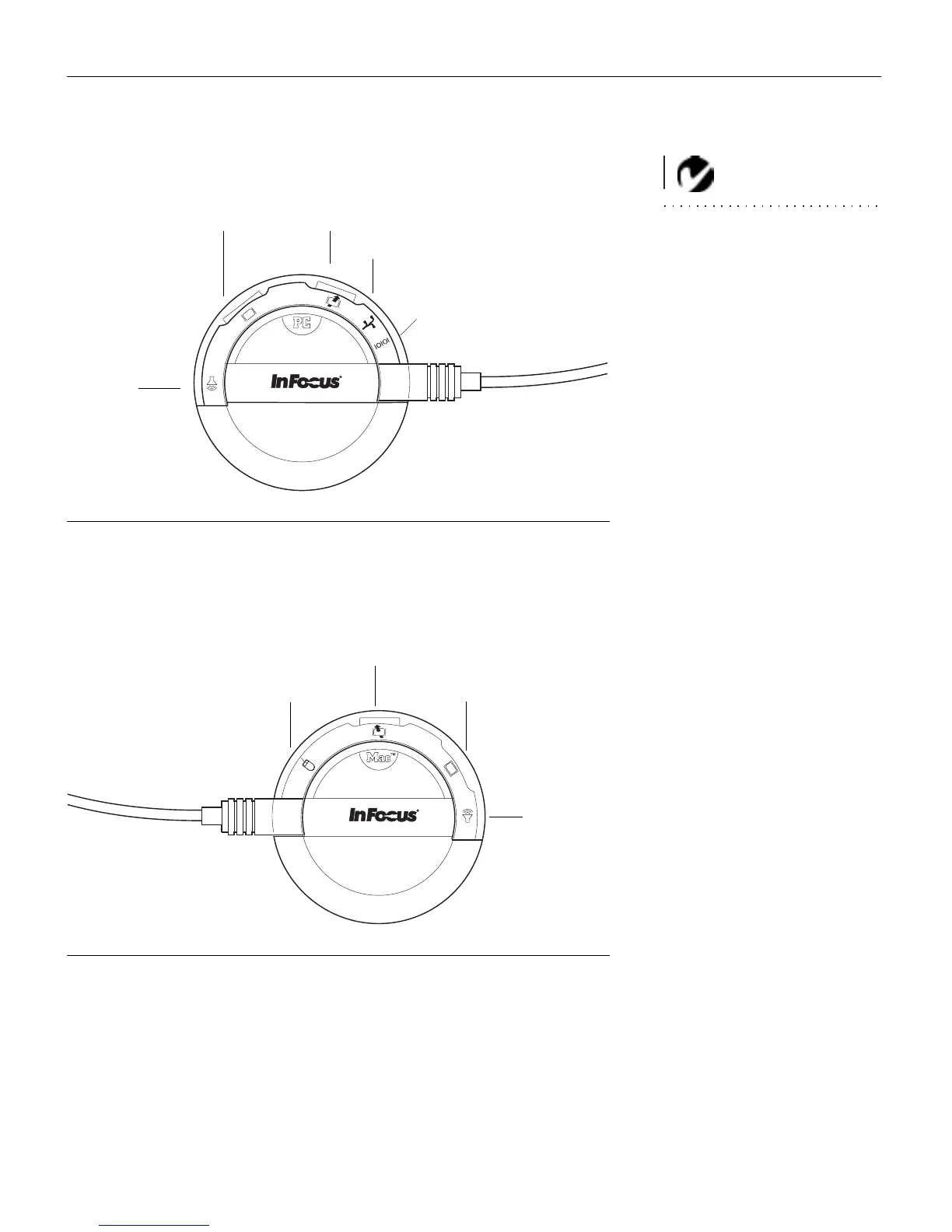
If you’re connecting an
IBM-compatible desktop or laptop com-
puter
, turn the selector until the window displays “PC.”
NOTE: The serial connector is
provided for use with a command
center for a fixed installation.
F
IGURE 7
Selecting the IBM-compatible connectors on the CableWizard
•
If you’re connecting a
Macintosh desktop or an Apple PowerBook
computer
, turn the selector until the window displays “Mac™.”
FIGURE 8
Selecting the Macintosh connectors on the CableWizard
computer
mouse
monitor
audio
serial
mouse
monitor
computer
audio



 To Next Page