19
Adjusting the Projector
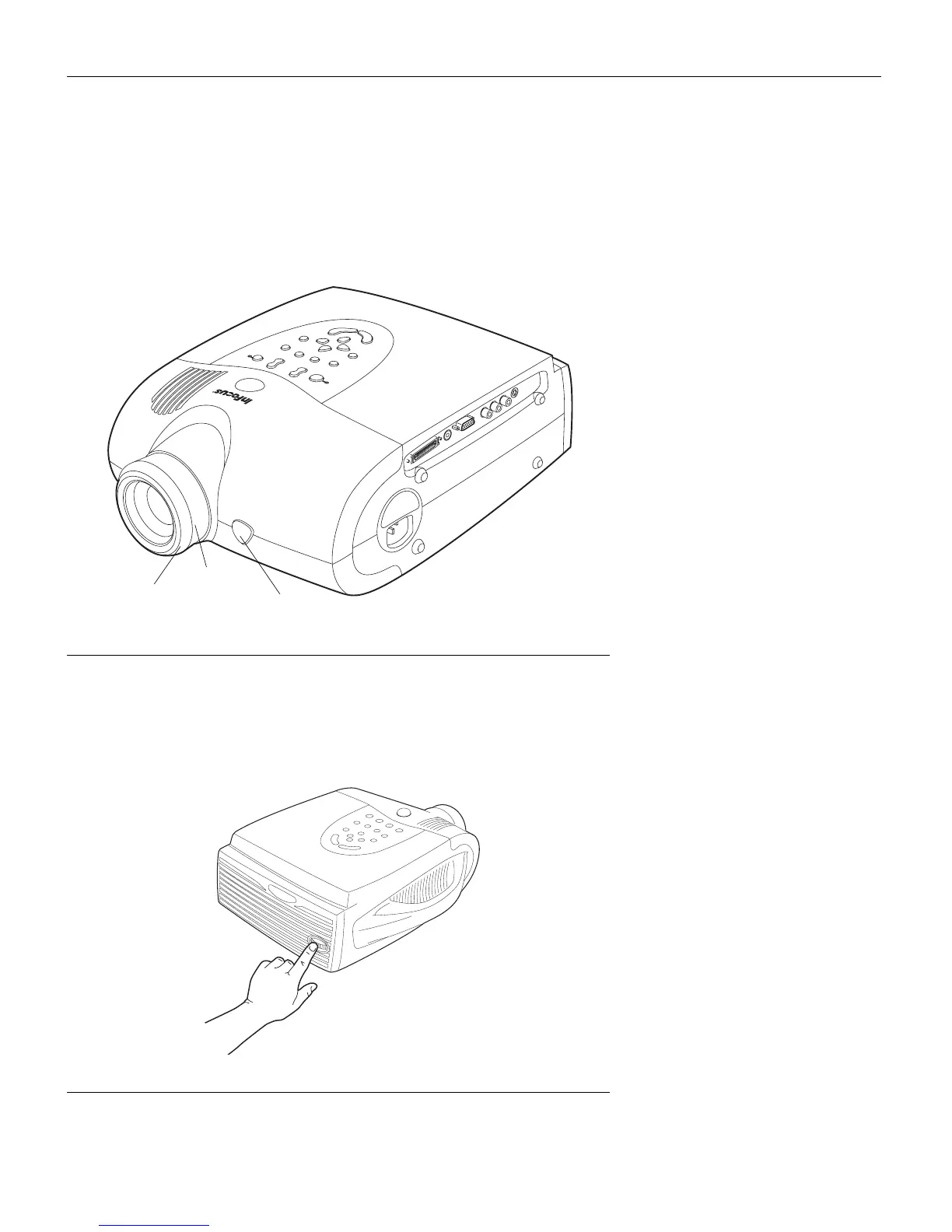
To focus the image, rotate the focus ring (Figure 15) until the
image is clear. To zoom the image, rotate the zoom ring. This
adjusts the image size without affecting focus.
FIGURE 15
Focus ring, zoom ring, and elevator button
The projector is equipped with a self-locking, quick-release eleva-
tor foot and button (Figure 15) and a leveling knob (Figure 16).
FIGURE 16
Leveling knob
focus ring
zoom ring
elevator button



 To Next Page