5
SETTING UP THE PROJECTOR
1
Place the projector on a flat surface.
•
The projector must be within 10 feet (3 m) of your power
source and within 8 feet (2.4 m) of your computer.
NOTE: An optional extension
cable, sold separately, lets you
increase the distance between the
projector and your computer to
68 feet (21 m). See “Optional
Accessories” on page 50.
•
If you want to project from behind a translucent screen, set
up the projector behind your screen. See “Rear Projection”
on page 32 to reverse the image.
•
If you are installing the projector on the ceiling, refer to the
LP750 Ceiling Mount Installation Guide
that comes with the
Ceiling Mount Kit for more information. To turn the image
upside down, see “Ceiling Projection” on page 31. The Ceil-
ing Mount Kit is sold separately; see page 50.
2
Position the projector the desired distance from the screen.
•
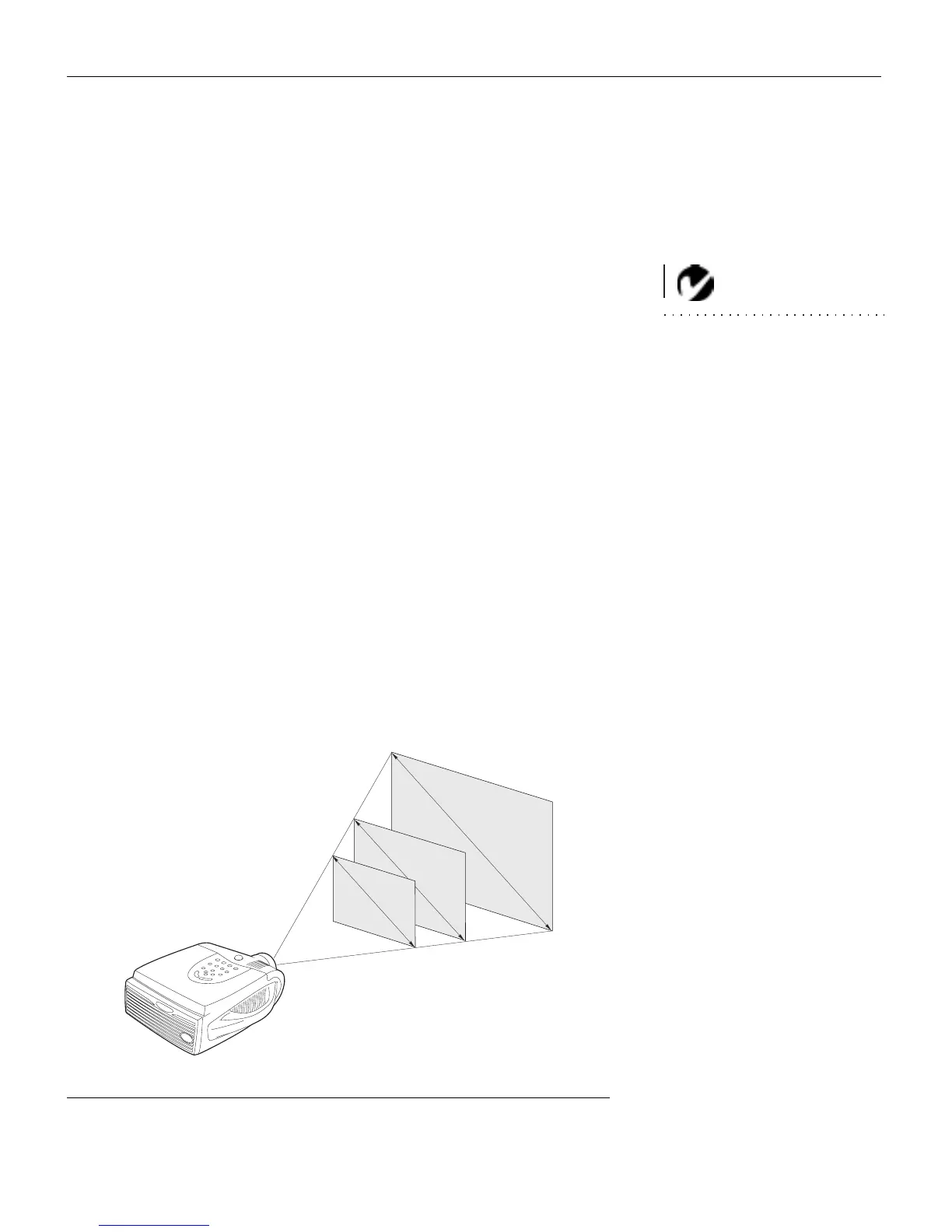
The distance from the lens of the projector to the screen
determines the size of the projected image. Figure 3 shows
three projected image sizes using the lens at maximum
zoom. For more information about image size, see “Pro-
jected Image Size” on page 56.
3
Make sure the projector and your computer are turned off.
FIGURE 3
Projected image size (maximum zoom)
2
.
6
f
t
.
1
9
.
2
f
t
.
6
.
4
f
t
.
4 ft.
10 ft.
30 ft.



 To Next Page