33
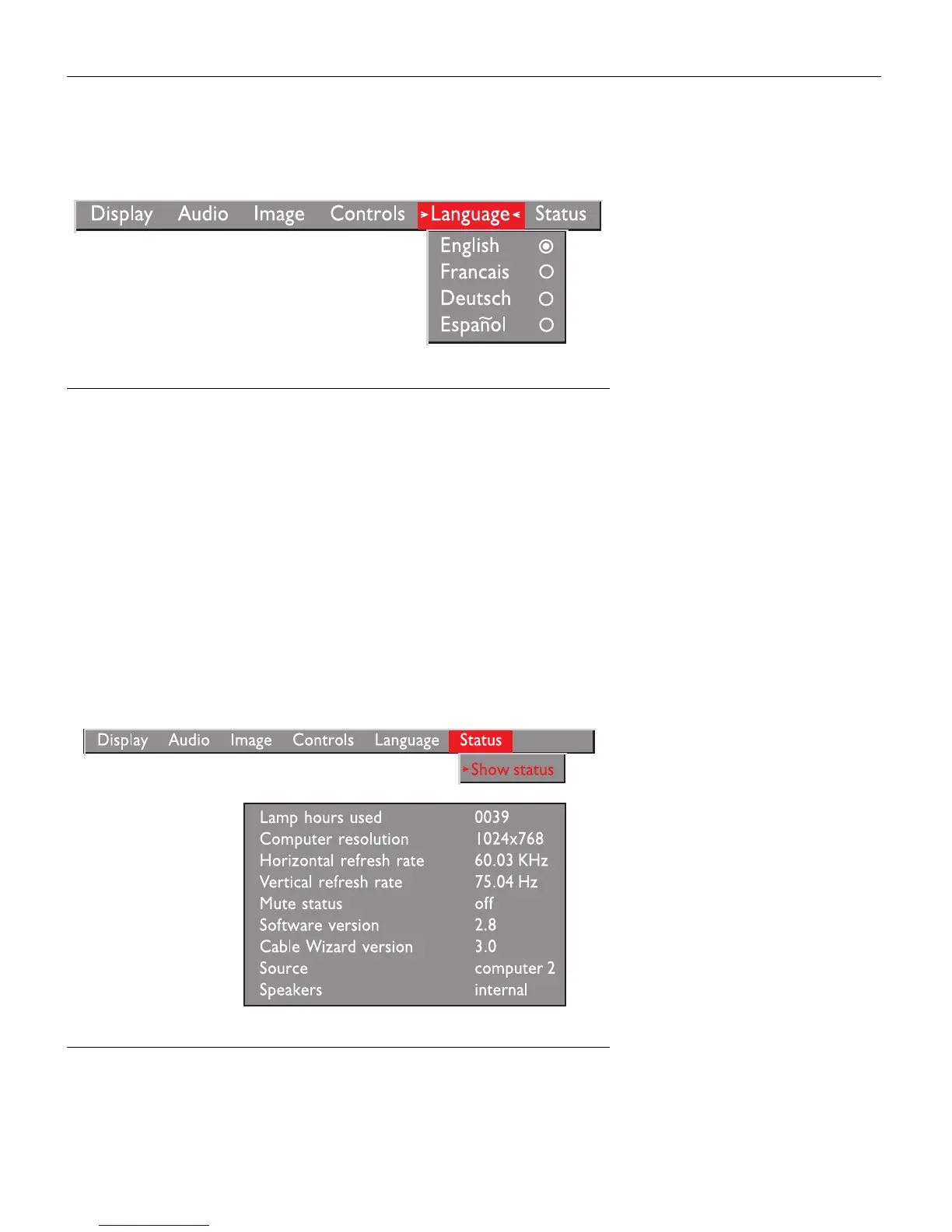
Language Menu
FIGURE 25
Language menu
You can display the on-screen menus in English, French, German,
and Spanish.
•
Move the cursor to the language you want, then click either
mouse button. The menus redraw immediately.
Status Menu
This is a read-only menu for informational purposes. To display
the status window, select Show status from the menu, then click
either mouse button. To remove the window, click either mouse
button.
FIGURE 26
Status menu



 To Next Page