36
Maintenance & Troubleshooting
F
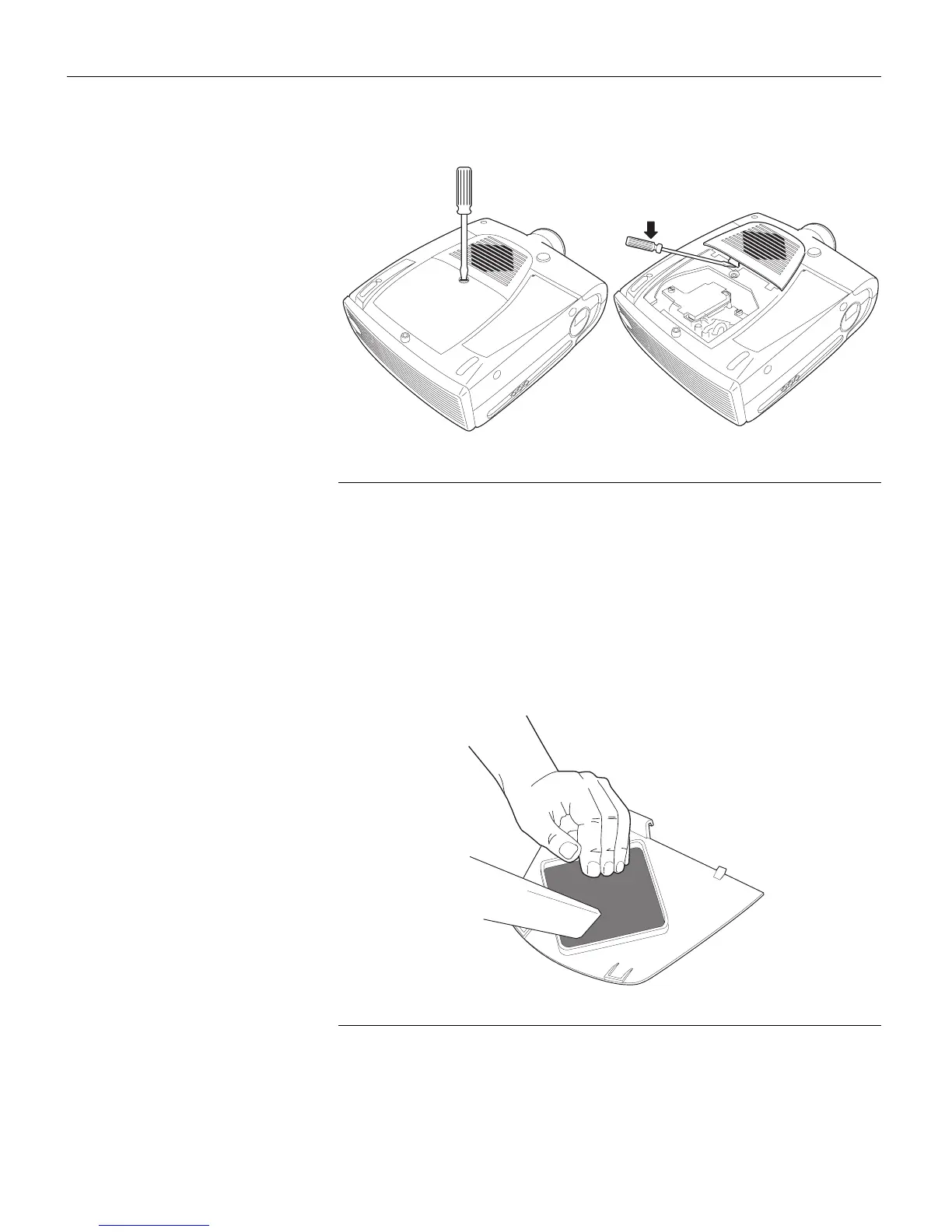
IGURE 27
Removing the lamp and filter doors
3
Using a screwdriver or your hand, push the tab on the filter
door forward and lift the door out.
4
Clean the filter.
•
Use a vacuum cleaner set on low power to remove the dust
and dirt.
FIGURE 28
Cleaning the air filter
5
Replace the filter.
•
First, insert the side with the tabs, then press the other end
in place.



 To Next Page