31
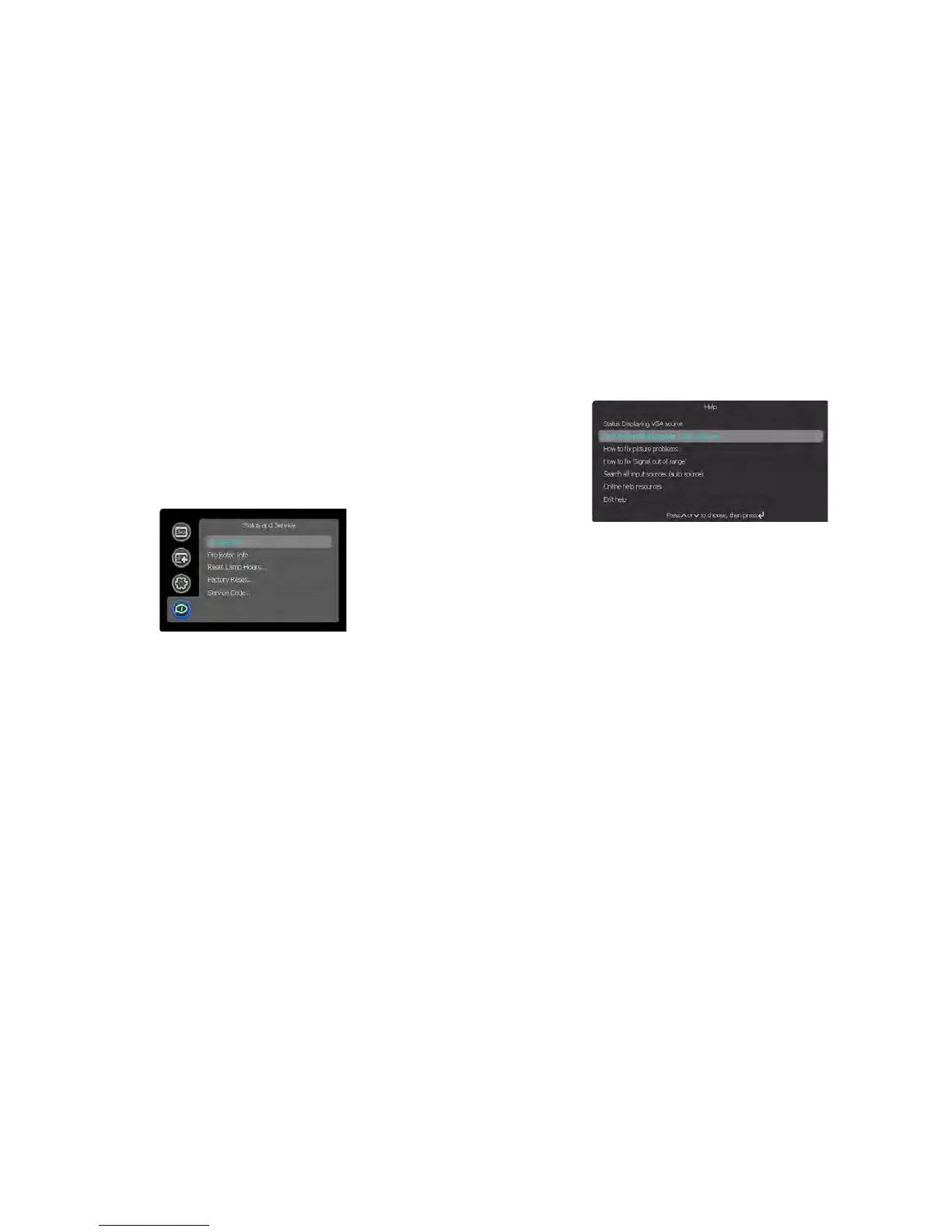
Status and Service menu
Source Info: Displays current source settings (read-only).
Projector Info: Dis
plays current projector settings (read-only).
Reset Lamp Hours: Rese
ts the lamp hours used counter in the Projector Info
menu to zero. Do this only after changing the lamp.
Factory Reset: Restores all sett
ings to their default.
Service Code:
Only used by authorized service personnel.
Help
Press Help (on the keypad or remote) at any time to get interactive help for
solving common, picture, sound, and cabling problems.
NOTE:
The projector can be re-programmed to display a custom (non-
interactive) screen when Help is pressed. To do this: Create your custom
screen on a computer and display it on the projector, then use the Take
Snapshot command in the Setup menu. When you see the Snapshot
Successful message, hold down the Help button until the message is
removed.









 To Next Page