Informa – Speech Dialler
6
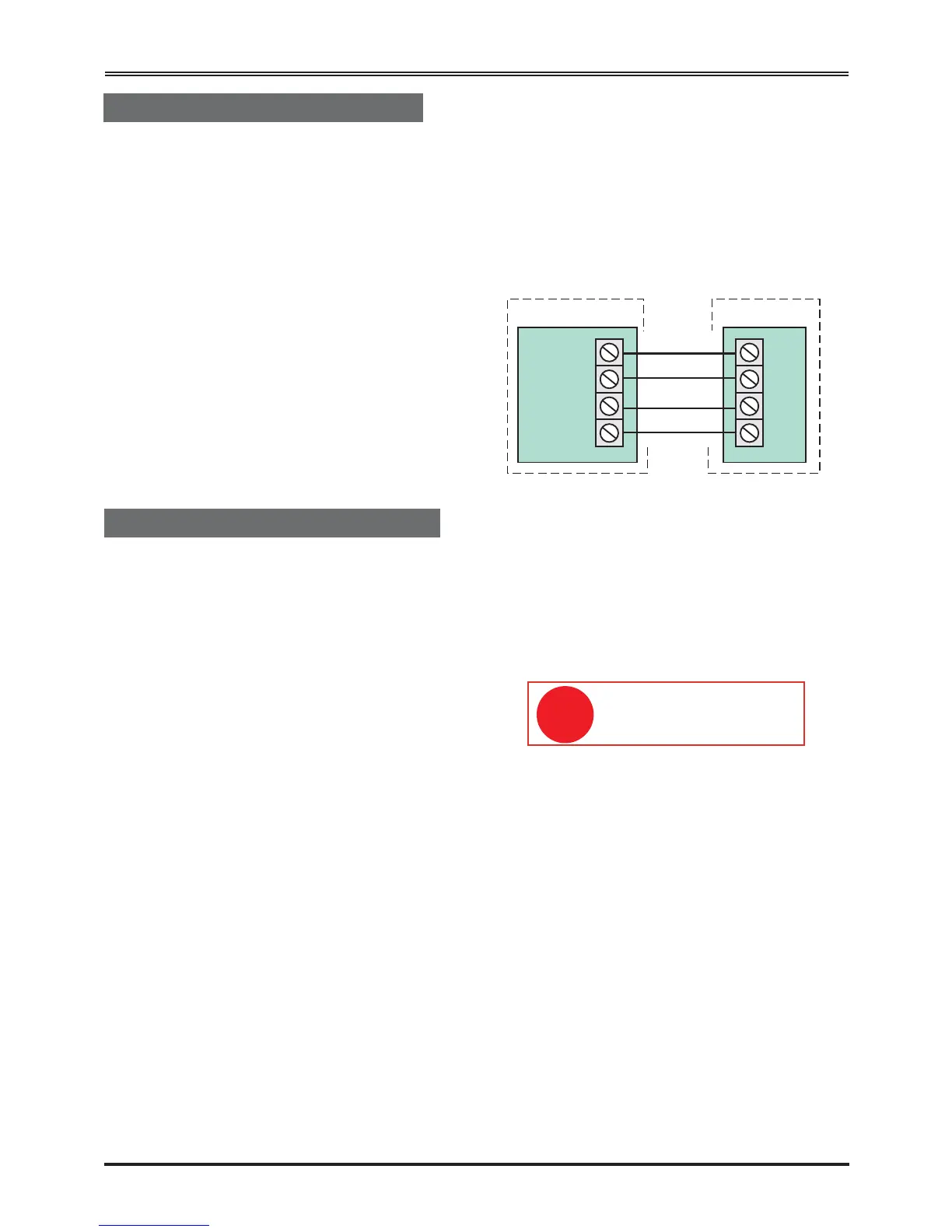
The Informa must be connected to a +12V power
supply which is fused at 2 Amps or less. Standard
alarm cable – 7/0.2mm multicore or equivalent –
should be used.
Connect the alarm cable wiring – starting with the
+12V and 0V connections from the alarm panel –
and wire them into the +12V and 0V terminals of the
Informa.
If the control panel is not being used as the power
supply for Informa, then a common 0V connection
connection between the control panel and Informa
must be made.
Now wire as many trigger channels from the alarm
panel to the speech dialler as required.
Connecting the Power Supply
Connecting to Control Panels
Connecting to Communicating Panels
Most communicating control panels use a +ve
(positive) to trigger the communicator outputs. If the
control panel used has a –ve communicator output,
Informa inputs must be programmed as Active High
(+ve trigger), see page 10, Setting Trigger Levels.
The Accenta Gen 4 has a dedicated communicator
or programmable communicator outputs. This will
allow a location message followed by one of three
alarm messages to be sent by the Informa.
Connecting for the Follow Me Function
The INH input is used with the ‘Follow Me’ function,
and should be connected to the SET output from the
control panel.
When the Follow Me function is enabled, the INH
input does not inhibit alarms from IP1 but cancels
the Follow Me number whenever the panel is unset.
Connecting to the Accenta Gen 4
Three-channel (three-message) operation is possible
with an Accenta Gen 4. Connect the Informa to the
panel.
Program all Informa inputs as Active Low (this is
the default).
To enable the use of the Follow Me function,
connect the SET+ of the panel to the INH input on
the Informa. This connection is unnecessary if
Follow Me is not used.
Connecting to a Communicating Control Panel
Connecting to ‘Bells Only’ Panels
Optima Compact Gen 4 control panels are ‘bells
only’ panels. With this type of panel, the Informa
may be used as a single-channel dialler triggered
from the bell output.
Connect trigger IP1 to the bell output of the panel.
The Informa will only be triggered by the bell when
the panel has been set.
Most control panels use a –ve (negative) to trigger
the bell or sounder. If the control panel used has a
–ve bell trigger, the Informa's inputs must be
programmed as active low (– trigger). See page 10,
Setting Trigger Levels. The factory default for these
inputs is Active Low.
Connect the Informa as shown below:
a) SET +: With a SET + connection, a Personal
Alarm (PA) will not trigger the Informa unless
the panel is set (armed).
b) Program the Informa’s inputs IP1, IP2 and IP3
as Active Low (the default).
The INH input will only
inhibit alarms from IP1.


 To Next Page