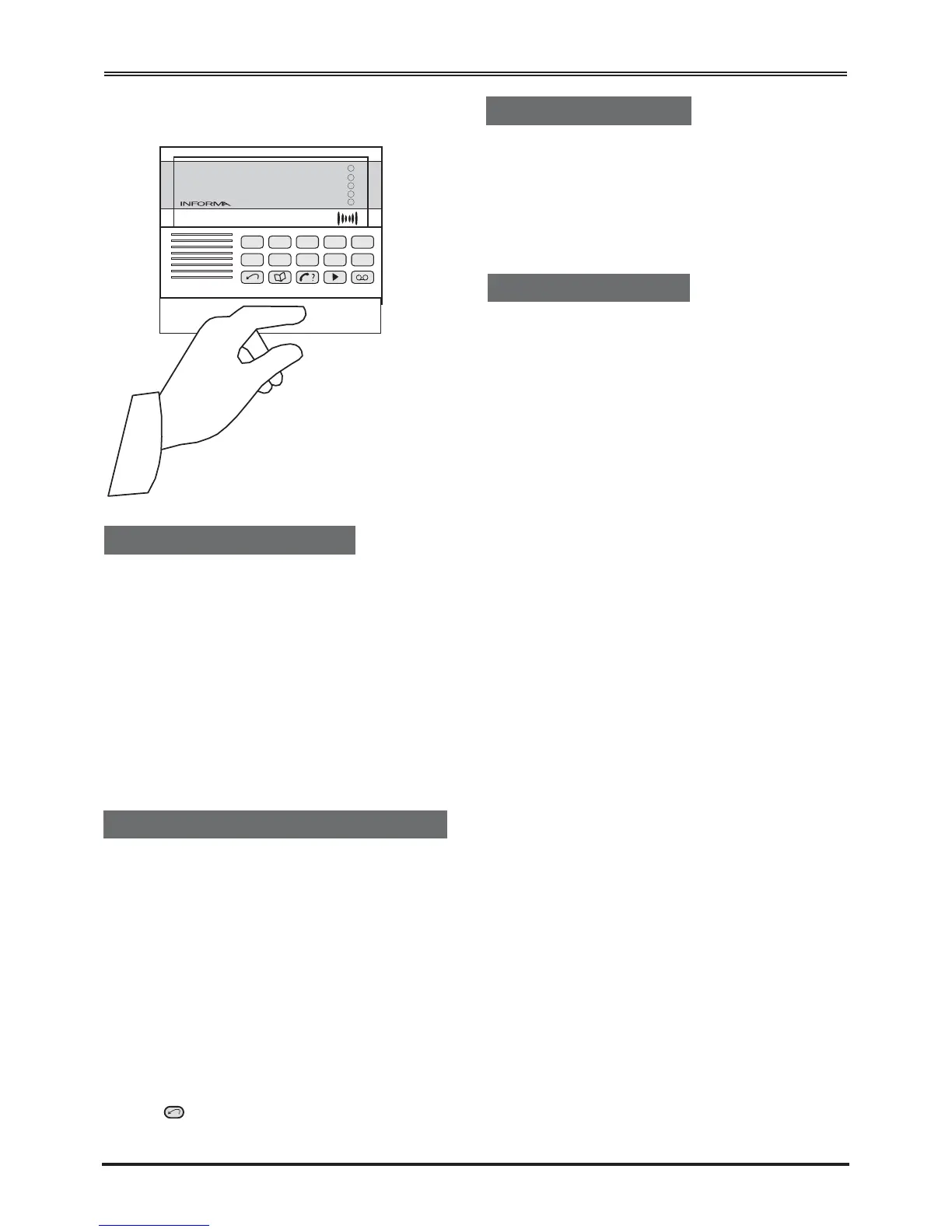
Engineer Programming
Displaying the Informa Status [0]
The Informa is on standby when only the green
Power ‘O’ LED is lit.
To enter the engineer menu:
Key in the four-digit engineer code.
The factory set engineer code is 9999.
The first three red LEDs light.
Refer also to the Quick Reference on page 17 of
this guide.
You can display the programmed state of each input
to the Informa.
a) Press [0].
The state of the inputs is displayed on the LEDs.
LEDs 1 to 3 show the state of inputs IP1to IP3,
LED 4 shows the state of the inhibit input
(INH).
An LED is lit when the associated input is active.
Note that the inputs can be programmed to be
Active High or Low.
b) Press to finish.
Volume Control [1]
You can alter the volume of the messages when they
are played back.
By default the Informa uses Medium 1.
a) Press 1 to enter volume control mode.
b) Press:
[1] to select Minimum volume
[2] to select Medium 1 volume
[3] to select Medium 2 volume
[4] to select Maximum volume.
When you have chosen the setting, the Informa
automatically resets to the top level of the
Engineering menu.
9
The Informa Tones
To confirm an action, the Informa sounds a fast
double-beep.
To alert you to an error, the Informa sounds a long
two-note signal.


 To Next Page