Launch Guide IS2216 / IS2220 / IS2220D
39
Connectivity Specifications
USB2.0 Interface
This interface provides easy printing connectivity in the customer’s environment.
Note
: USB2.0 can be used only for the printing function.
Hardware Specification
Interface USB2.0/1.1
Data transfer speed
480Mbps (high speed)
12Mbps (full speed)
High speed is supported only by USB 2.0.
System requirement
Supported OS
USB1.1 => Windows 98SE/ 2000/ Me/ XP,
MAC OS 9.x, X classic mode
USB2.0*=> Windows XP, 2000
*Depends on driver support schedule of Microsoft.
PnP (Plug and Play) :
When the USB cable is connected, OS will automatically recognize the printer and proceed to one
of following:
1. USB driver is installed: OS automatically set up the printer
2. USB driver is not installed: Pop-up menu recommends installing the driver
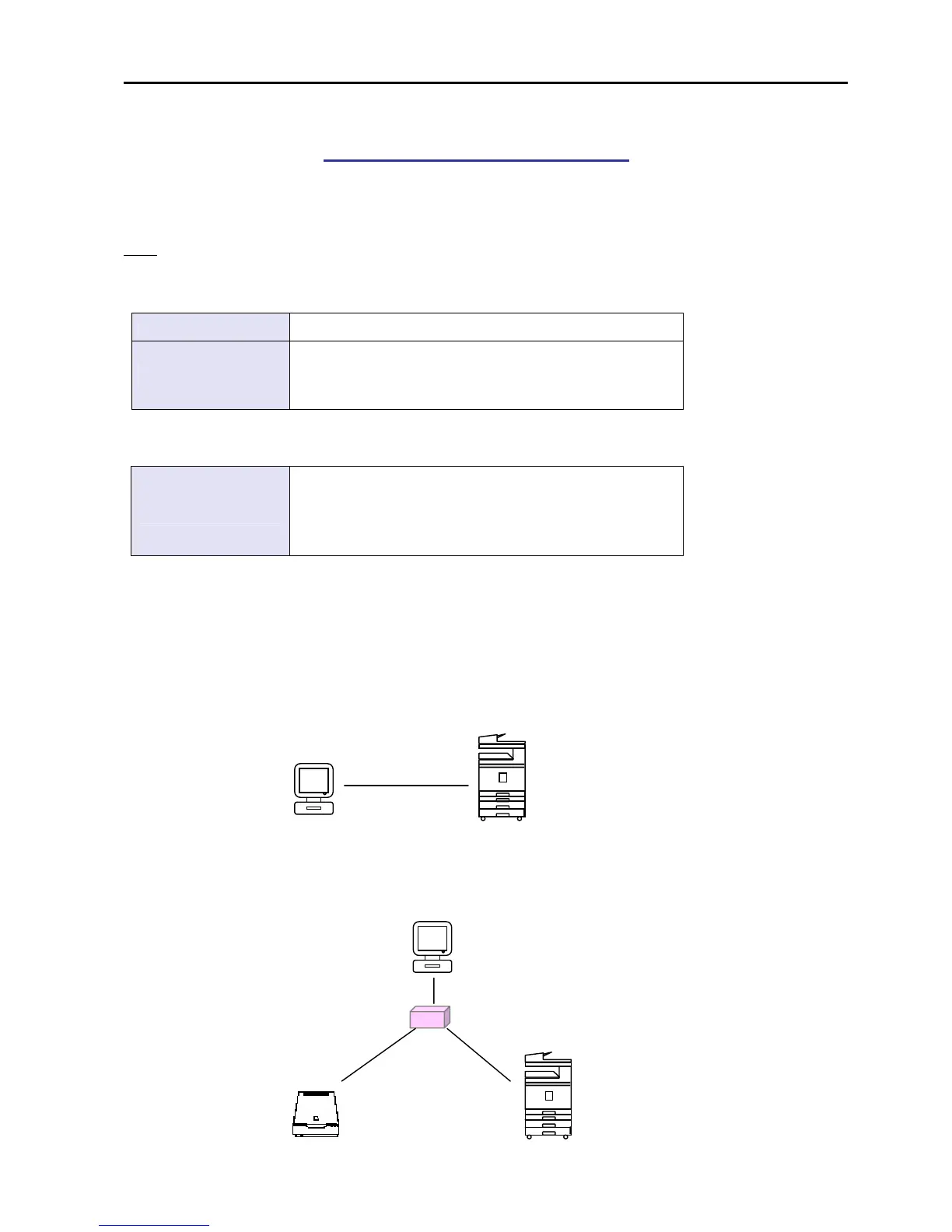
Typical connections
USB Hub
Scanner


 To Next Page