7
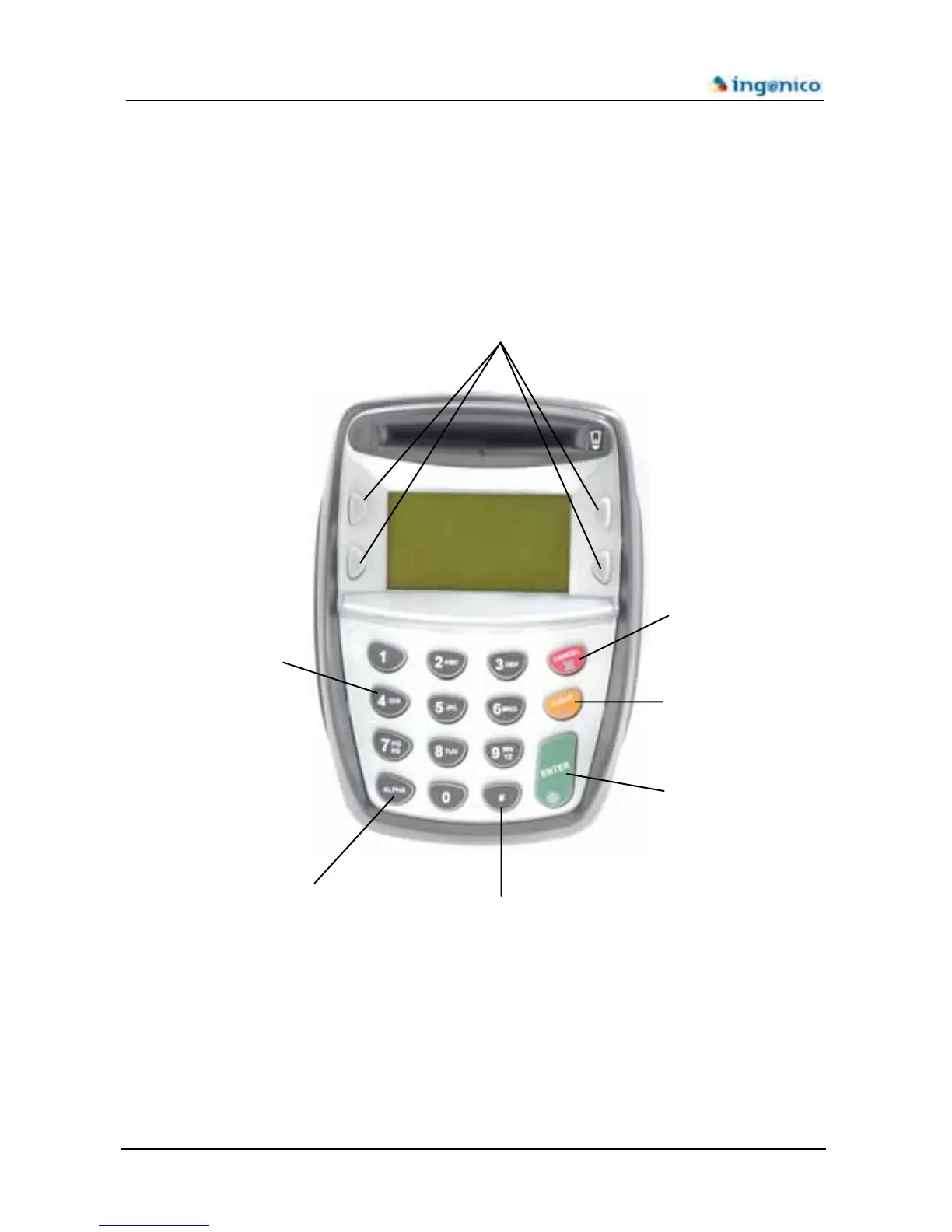
1.2 Keyboard details and functionality
This chapter describes the key functions for a terminal with no specific application. Some
keys can have other functions according to the applications that are present in the terminal.
The 4 programmable function keys will have
different utilities according to the application
installed in the terminal
The red key cancels the
procedure in progress
The orange key cancels
the last character
The green key validates
the input selections an
information
Alpha digital keyboard
The alpha key switches
the digital keyboard to the
alpha keyboard
The # key is a programmable
function key and will have
different utilities according to the
a












 To Next Page