9
2 Use
In this chapter, we consider that the terminal has been connected. For the installation, refer
to chapter 3 “Installation and starting”.
2.1 Smart Card reading
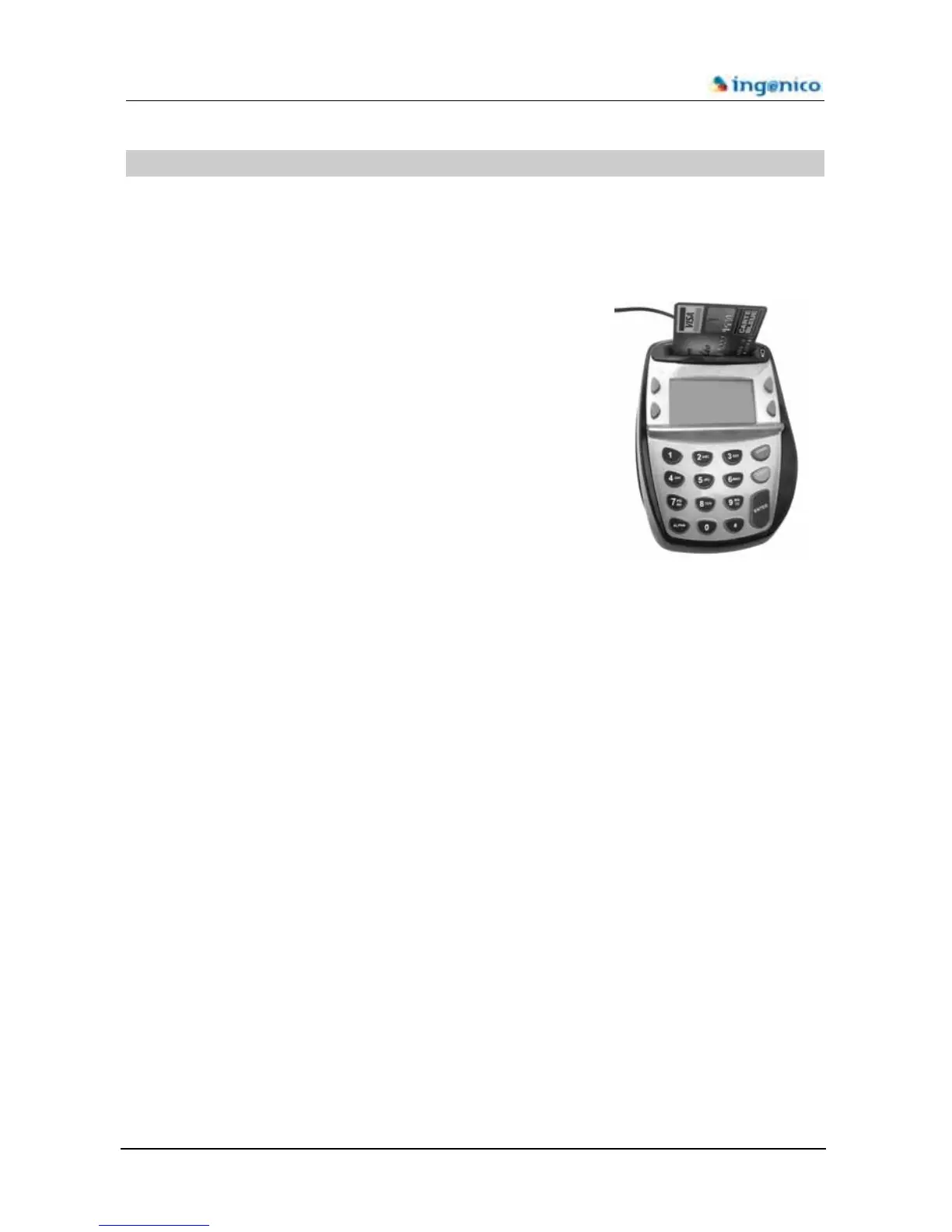
The Ingenico 3300 is fitted with a smart card reader. The card
will be always inserted with the chip facing the users i.e. chip
towards the display & keyboard.
2.2 Terminal maintenance
0 Make sure the terminal is off for all cleaning operations.
Do not clean the terminal with water but with a dry or only slightly damp cloth.
Do not use solvent, detergent or abrasive products.









 To Next Page