First things with the Desk5000
If your payment terminal comes pre-activated, you can skip this activation procedure.
If your payment terminal is not activated yet, please make sure you have the activation code
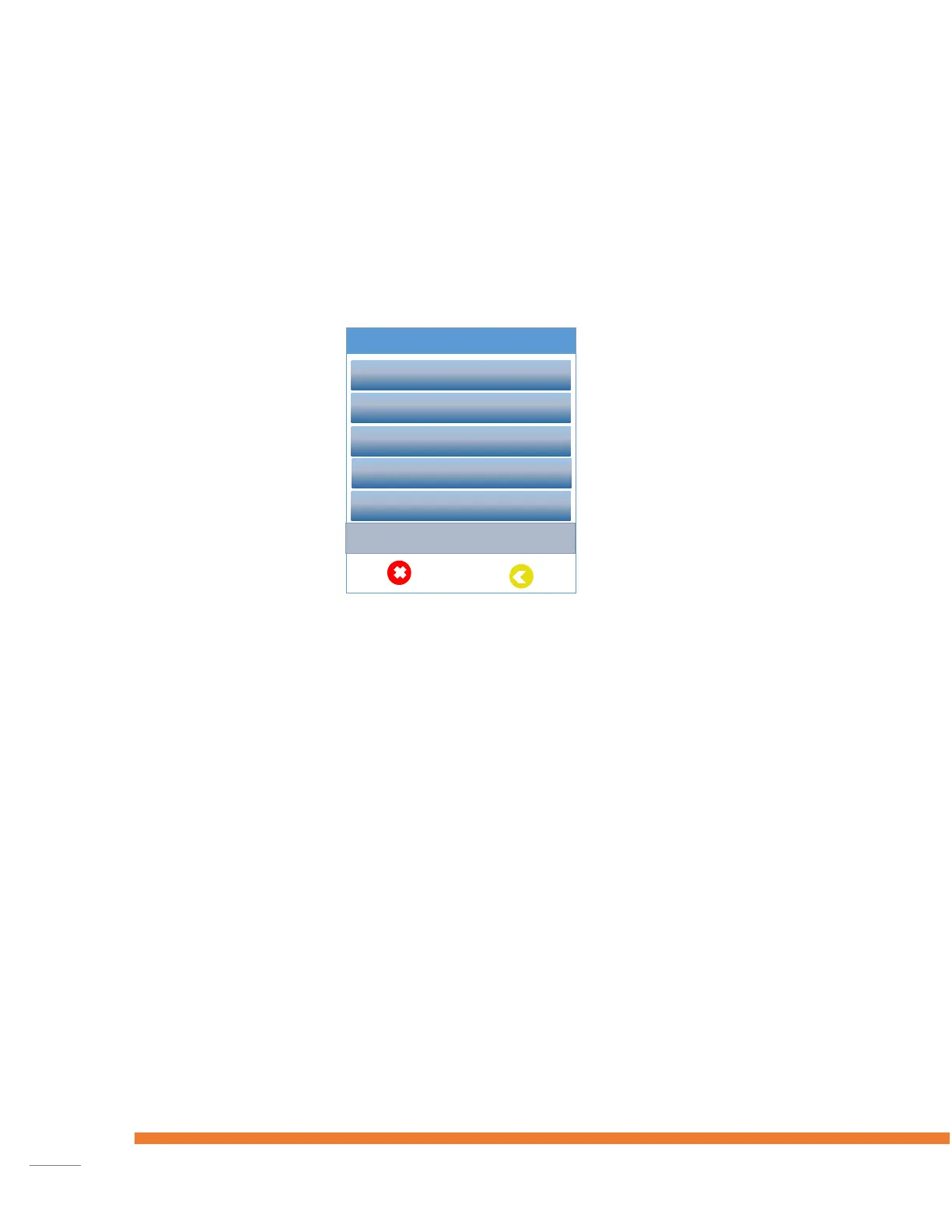
from your dealer. After powering on the terminal shows the Activation screen below when it’s
not activated yet.
Setup the connection method
First thing to do after powering on the terminal is the configuration of the network.
Ethernet Setup
Select ‘Select Network’, press the green ‘OK’ button on the keypad and follow the on-screen
instructions.
Select ‘Open Internet’.
Select ‘C-TAP with SSL’.
Ethernet IP Settings
Select ‘Select Network’, press the green ‘OK’ button on the keypad and follow the on-screen
instructions.
Select preferred connection DHCP or Static IP.










 To Next Page