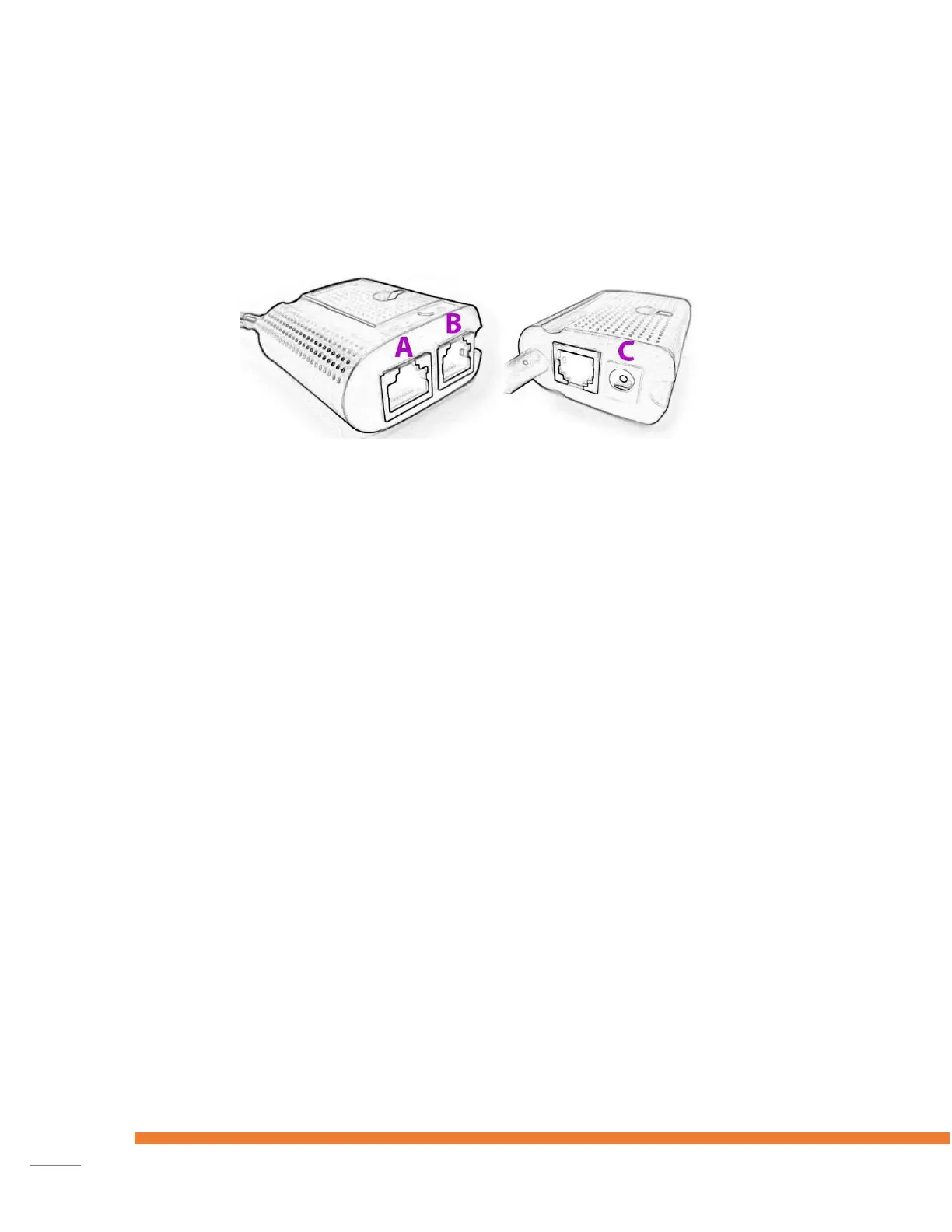
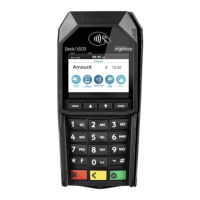
Installing the Desk5000 with Magic Box
The Desk5000 is shipped with a Magic Box
Follow the installation instructions shown below:
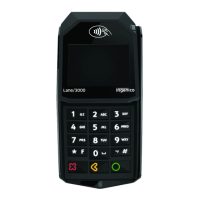
The Ingenico Lane 5000 is delivered in a box.
The box contains:
Terminal
The connection cable
The power adapter
The power cable
Optional: Magic Box (small)
1. Attach the connection cable to the terminal and fix it in place with the 3 screws
provided.
2. Attach the connection cable to the magic Box.
3. Plug in the cable of the power adapter to the Magic Box.
4. Depending on ECR connection type, dealer can plug Ethernet cable to the Magic Box
via USB or commport.
5. Finally, plug the power plug into the electrical socket.
The terminal will start automatically.











 To Next Page