Setup Cash Register
To install Cash Register
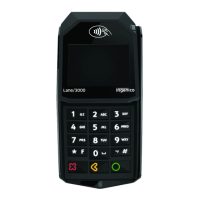
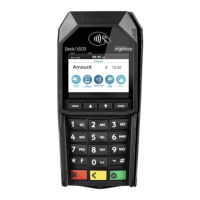
User Interaction Lane5000 screen
Press the ‘Settings Menu’ option
in the Cash Register Menu. Enter
settings password and confirm
with ‘OK’.
Select Change Connection
Confirm with ‘OK’ to configure
connection
Select connection type and
Confirm with ‘OK’ or
TC/IP: Select IP-address and confirm with
‘OK’.
Enter the port number received from
your dealer with the keypad and
confirm with ‘OK’.
Serial: Select COM Port
COM/USB: Select Baud Rate
COM/USB: Select Data Bits
Com/USB: Select Parity
COM/USB: Select Stop Bits
COM/USB: Select Flow Control
Cash Register can be connected through Ethernet, USB and COM port











 To Next Page