4 6 IDS404 INSTALLER MANUAL NO. 700-277-02A ISSUED SEPT 2004 VER 1.02
IDS404 INSTALLER MANUAL
displayed as trouble conditions. Should the display be disabled no
trouble condition will be shown i.e. the power LED will not flash and no
trouble condition shown when entering trouble viewing mode. However,
reporting codes, if programmed, will be reported to the base station.
561NOITACOL2yalpsiDelbuorTelbammargorP
eulaV
xoBfoyalpsiD
repmaT
foyalpsiD
liaF.smmoC
MLTfoyalpsiD
liaF
0
###
1
$
##
2
#
$
#
3
$$
#
4
##
$
5
$
#
$
6
#
$
$
7
tluafeD
$ $ $
$
delbanE
#
delbasiD
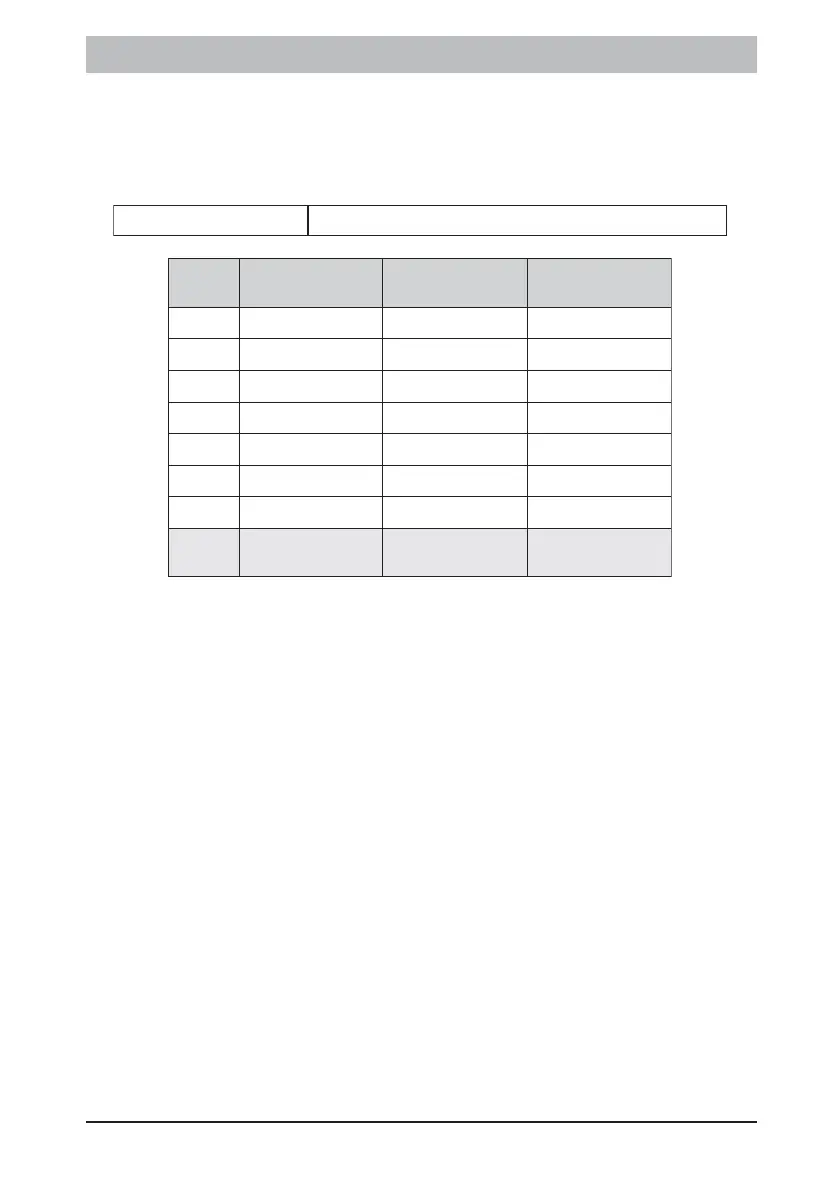
This location determines whether box tamper, communication failure or
telephone line monitoring are displayed as trouble conditions. Should
the display be disabled no trouble condition will be shown i.e. the
power LED will not flash and no trouble condition shown when entering
trouble viewing mode. However, reporting codes, if programmed, will be
reported to the base station.
NOTE:
! Low battery and AC fail trouble condition displays cannot be
disabled.



 To Next Page