14 Inim Cloud Fire
Fire alarm and extinguishing system
Chapter 4
Inim Cloud Fire
The Cloud service provided by INIM Electronics offers Previdia users a way to
manage their fire alarm control panels via the Internet, in addition to that
already possible via direct access to the control panel display.
The connection of control panels to the Cloud service is achieved via a web
interface (App or any browser) without any need to configure the network on
which the control panel is installed. In particular, it is not necessary to
program a router to perform port-forwarding and the like in order to reach the control panel.
In order to use the Cloud service, the user must have their own account at www.inimcloud.com, registered as “User”.
After login, the user will have access to a customized web interface which provides all the tools required for supervision
of all the control panels registered by the user.
In order to access Inim Cloud services as a user, registration must be carried out also by the user (paragraph 4.2).
4.1 User interface, home page
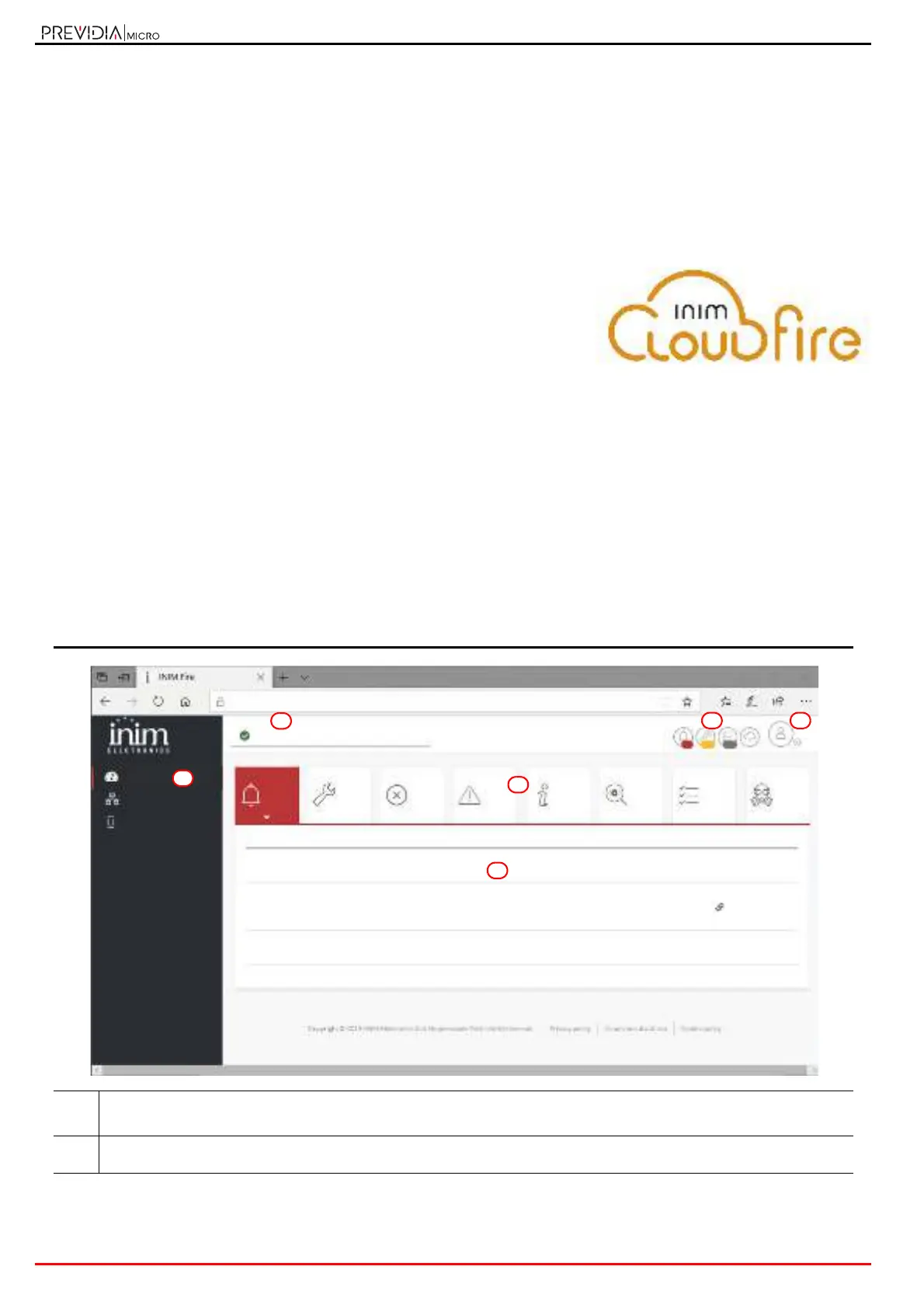
Following is the description of the home page; the presence of each of the following elements described depends on
the activated functions and the page you are accessing:
[A]
Button for the selection of one of the registered control panels or clusters to which it belongs and description of the
selected control panel
[B]
Buttons for access to the management sections of the selected control panel
Home
Manage System
Notifications
CLUSTER XYZ
https://inimcloud-fire.com/home
DESCRIPTIONDAYCONTROL PANEL TIMECLUSTER ELEMENT
Fire alarm01/01/2020Previdia 18:23CLUSTER XYZ Zone x
Zone y
Fire alarm01/01/2020Internal control panel 18:25CLUSTER XYZ Loop module
Interior Zone
Fire alarm01/01/2020Fire control panel 18:24CLUSTER XYZ Zone z
Loop 1
Zone w
4 14 24
TEST
0
Ongoing
SUPERVISORY
2
Ongoing
MONITOR
2
Ongoing
EARLY WARNINGS
5
Ongoing
DISABLED
2
Ongoing
FAULTS
4
Ongoing
GAS
0
Ongoing
ALARMS
3
Ongoing



 To Next Page