22 Using the system
Fire alarm and extinguishing system
Chapter 6
Using the system
6.1 Access to programming
The Programming button (paragraph 3.3 - [A]) accesses the system configuration functions.
These functions are reserved for specialized technical personnel only and require entry of the installer code.
Refer to the Configuration and Programming manuals.
6.2 Device management
The management section of a specific device provides all the information regarding the device itself and a series of
commands which influence its status.
This section can be accessed by selecting the row in the list of devices involved in a specific event (refer to paragraph 5.1
Viewing active events and paragraph 5.2 Visualization of the events log) or can also be accessed by selecting one of the
devices that appear in the lists available in the “Zones”, “Points” or “I/O Line” sections, inside the system status viewing
section by pressing the View button (paragraph 5.3 Visualization of the system status).
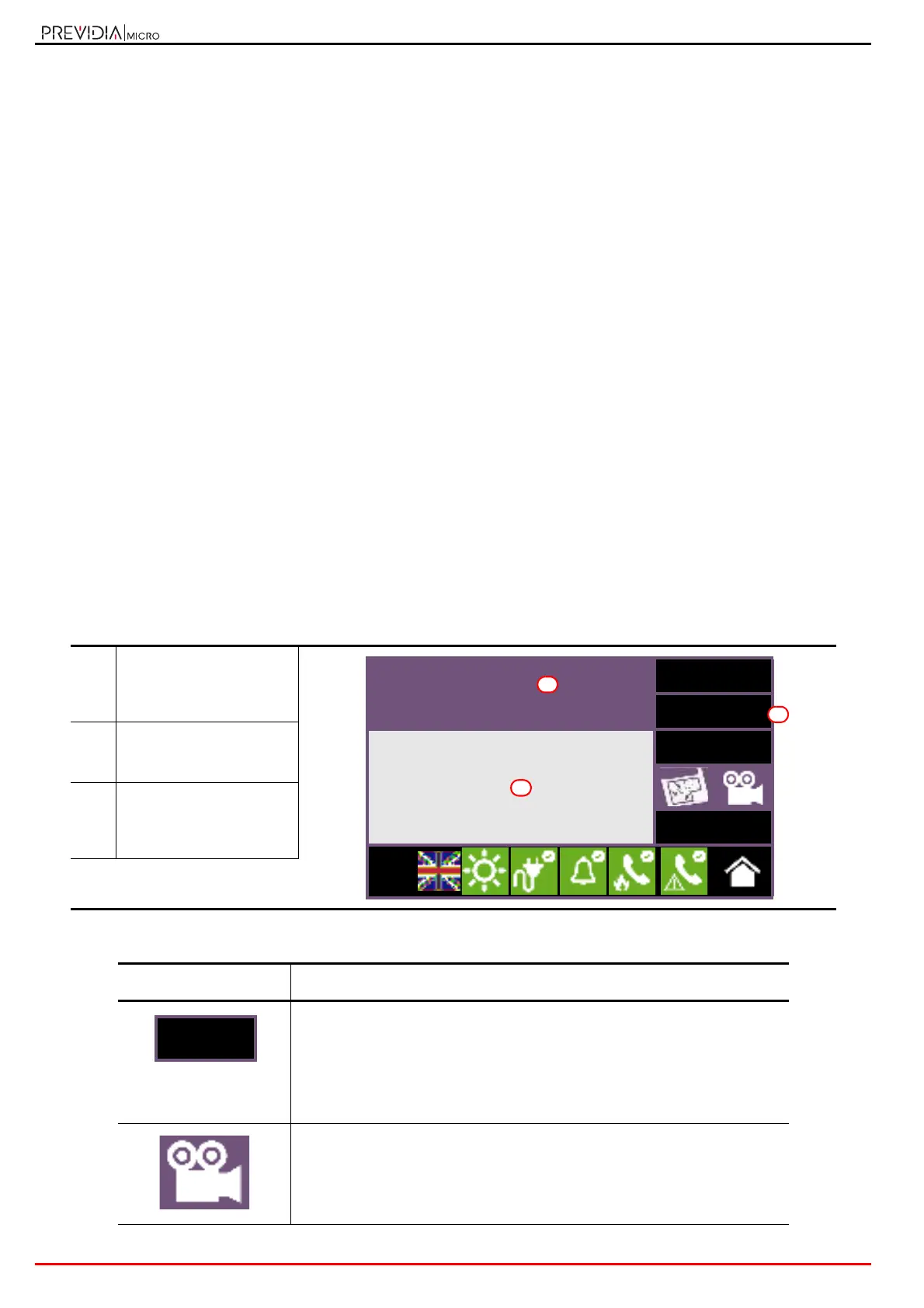
The function buttons [B] that operate on the device vary depending on the type of device shown or the user access level:
[A]
Data relative to the
selected device (label,
related terminal, type,
etc.)
[B]
Button to activate the
commands and functions
of the device
[C]
Section for viewing all the
activated functions by
means of the buttons on
the right.
Button Function
Button to navigate between two viewing sections relative to the selected
device:
- Info: provides the data read by the the terminal or information relative to
any faults or conditions other than stand-by status present on the
device.
- Real time: graph showing all the values detected by the selected device
over time.
If appropriately set up, this button opens a window that shows images taken
by a camera, with a specific preset and a renewal of images every 5 seconds.
This function allows video verification of the conditions in the environment
where the device is installed.
A single tap on the screen will close the window.
Generic alarm
I/O1
<->
Disable
Analog value: xxx Ohm
Voltage: yyy mV
Turn on output
Esc
L:2
A
B
C



 To Next Page