User’s Manual
User interface 9
Chapter 3
User interface
3.1 Front plate models
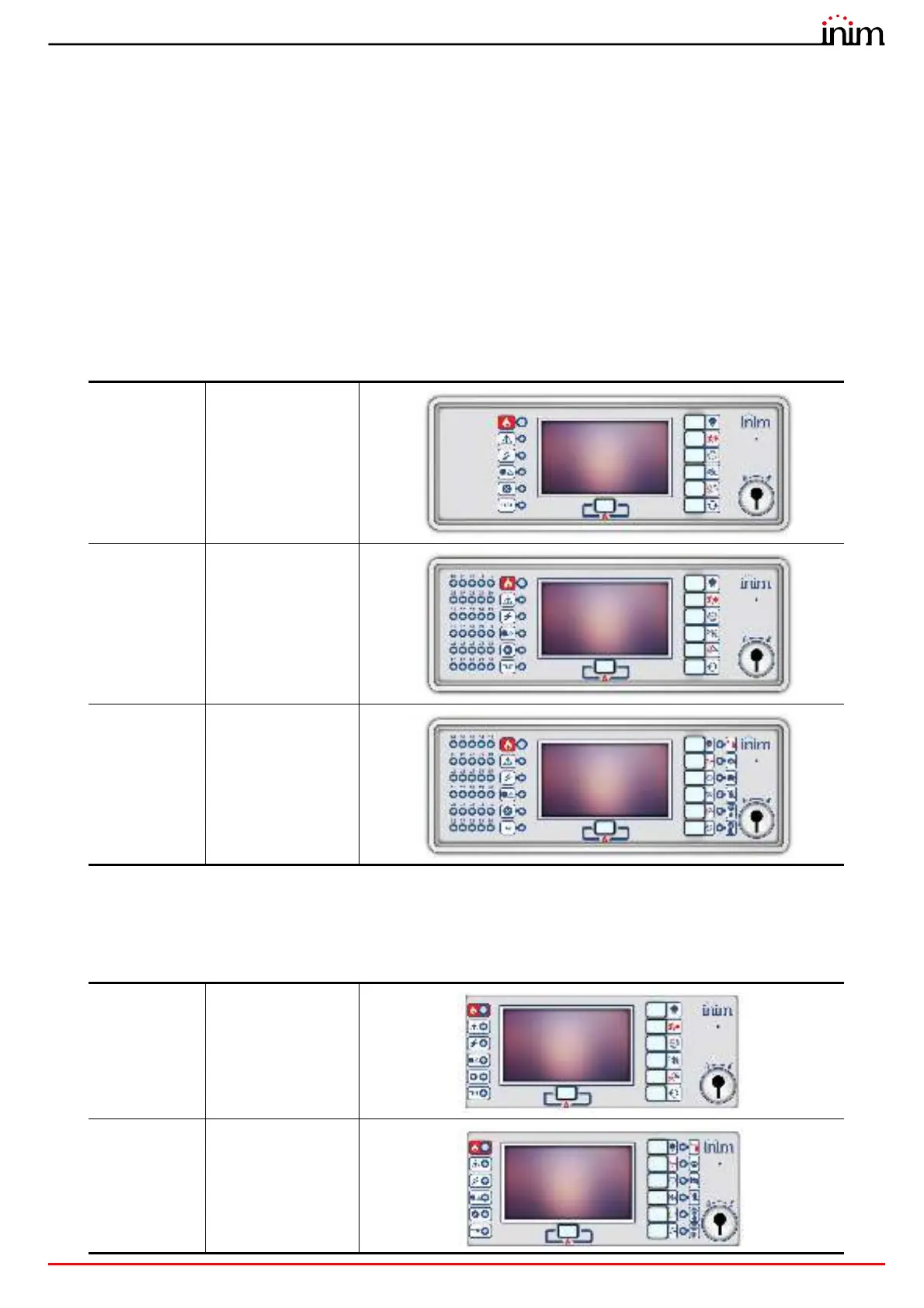
The user interface of the Previdia Micro control panel consists of a touch-screen display, buttons and LED indicators
mounted on the front plate.
Depending on the control panel model, there are three different types of user interfaces:
All information provided by the control panel and on its front plate is also available via a repeater, this is a device which
allows you to view the information from a remote location. There are two different repeater models available, with
different user interfaces:
PREVIDIA-
Mx
Standard model
PREVIDIA-
MxZx
Model with LED
indicators for
signalling the status
of the zones
PREVIDIA-
MxZEx
Model with LED
indicators for
signalling the status
of the zones and
management of the
extinction channel
PREVIDIA-C-
REP
Standard model
PREVIDIA-C-
REPE
Model with
extinction channel
management



 To Next Page