·21·
FUNCTION SETTING
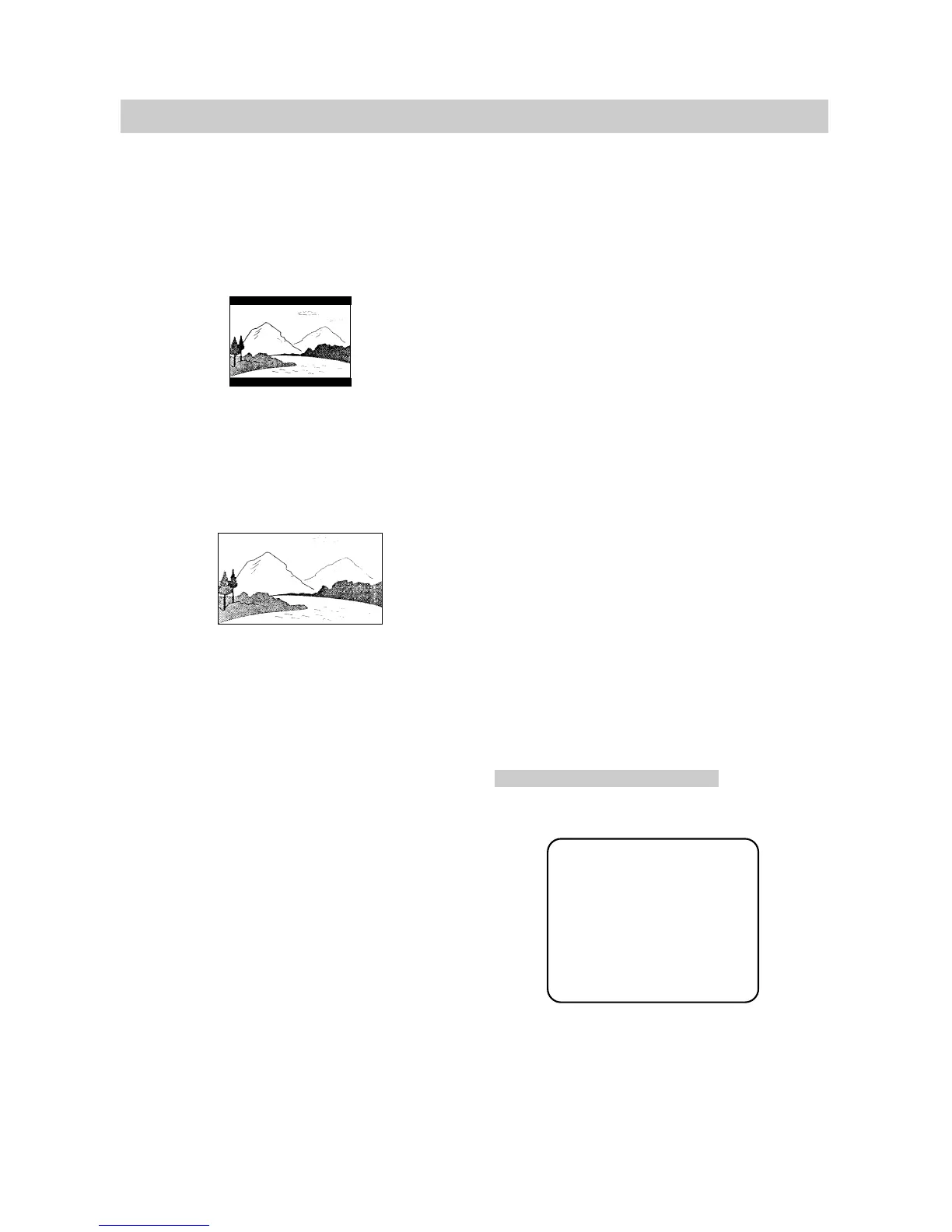
2. NORMAL/LB
This is selected when the unit is connected
to a normal TV. Wide-screen images are
shown on the screen, with black belt on the
top and bottom.
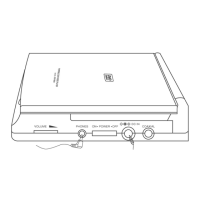
3. WIDE
This is selected when the unit is
connected to a wide-screen TV.
■ SPDIF OUTPUT
●
SPDIF OFF: No signal is output from the
digital port.
●
SPDIF/RAW: Select this when the DVD
player is connected with a digital amplifier
through digital port. When a Dolby Digital disc
or MPEG disc are played, the digital output will
be optional. The power amplifier to be
connected must have Dolby Digital and MPEG
decoding.
●
SPDIF/PCM: Select this when the DVD
player is connected with a 2-channel digital
stereo amplifier. When a Dolby Digital or
MPEG disc is played, the digital port will output
in PCM 2-channel format.
■ CAPTIONS
●
ON
The hidden subtitle is shown.
●
OFF
The hidden subtitle is turned off.
■ SCREEN SAVER
Start the screen saver, the screen saver image
appears when the unit stops or the image is
frozen for a few minutes. This saver can keep
the screen from being damaged.
●
ON: Start the screen saver.
●
OFF: Remove the screen saver.
AUDIO SETUP
The setting structure is:
- - Audio Setup Page - -
Speaker Setup
Dolby Digital Setup
Channel Equalizer
3D Processing
Main Page


 To Next Page