Packaging List
Product Instruction
Key Instruction
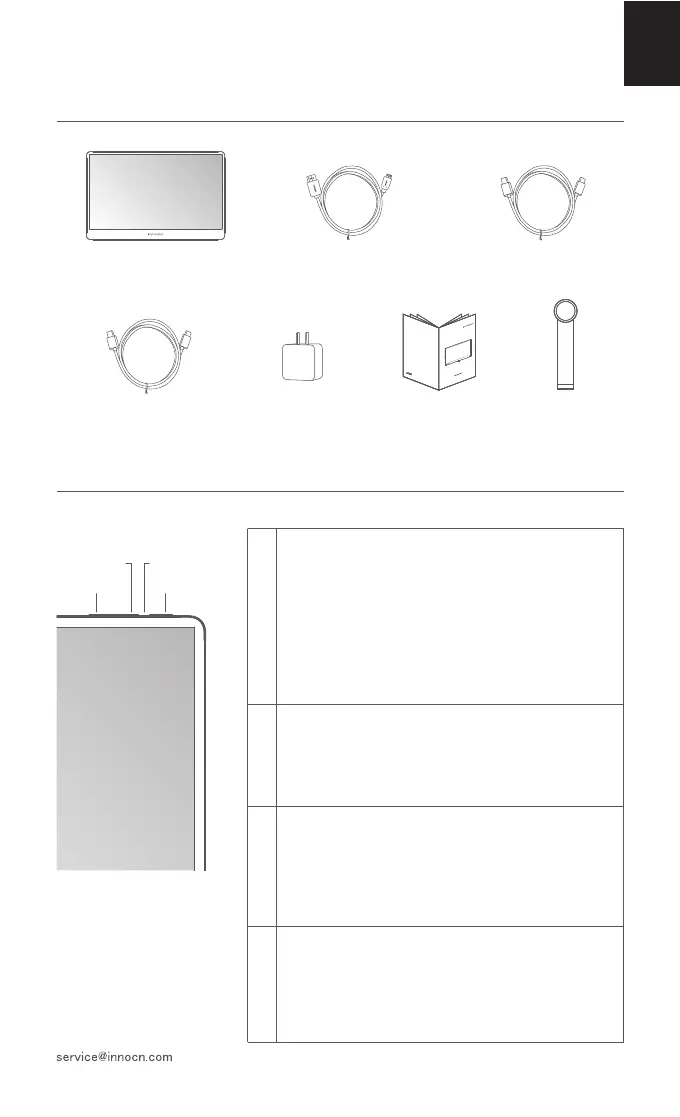
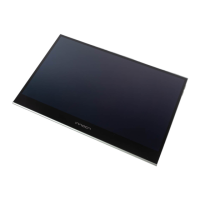
Monitor x1
1
2
3
4
Stand x1
4
English
Power Button:
· Turn on the monitor:
long press the power button for 3s.
· Pop up the OSD menu/ enter to sub-menus:
short press the power button.
· Return to previous menu:
long press the button for 1s.
· Exit the OSD menu: long press the button for 3s.
LED Indicator:
· Blue: Working
· Orange: Standby mode (no signal detected)
· Dark: Power off
Right key:
· In the OSD menu: press the right-key to move right
in the menu / turn up the progress bar.
· Without OSD menu: press the right-key to pop up
the volume shortcut, then press to increase volume.
Left key:
· In the OSD menu: press the left-key to move left
in the menu / turn down the progress bar.
· Without OSD menu: press the left-key to pop up
the volume shortcut, then press to decrease volume.
N2F
快速安装指南
便携显示器
Quick Start Guide
Type-C data cable x1
Type-C power cable x1 Charger x1
Mini HDMI cable x1
Left key
Right key LED Indicator
Power Button



 To Next Page