Using the Scan Tool
VIEWING ENHANCED DTCs
38 3040c
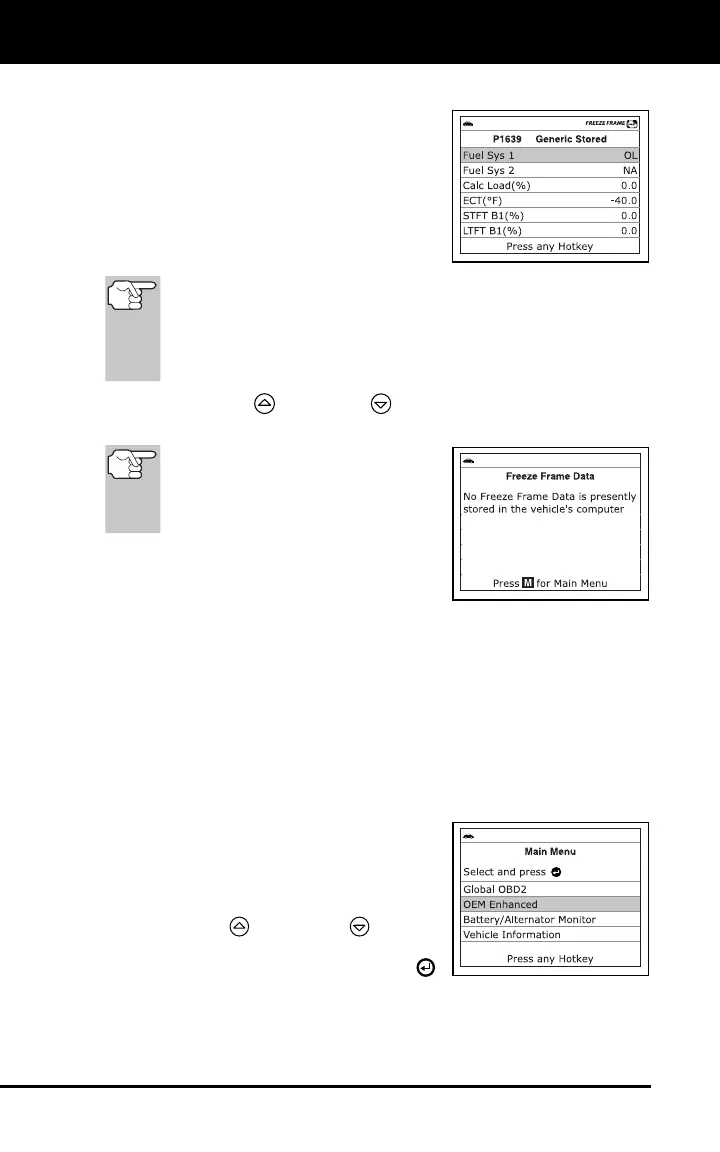
1. While linked to the vehicle, press and release the FF button.
The Freeze Frame screen displays.
Saved engine conditions include but
are not limited to: engine speed,
open or closed loop operation, fuel
system commands, coolant tem-
perature, calculated load value, fuel
pressure, vehicle speed, air flow
rate and intake manifold pressure.
If more than one malfunction is present that causes more than
one DTC to be set, only the code with the highest priority will
contain Freeze Frame data. The code designated “01” on the
Scan Tool’s display is referred to as the PRIORITY code, and
Freeze Frame data always refers to this code. The priority
code is also the one that has commanded the MIL on.
Use the UP and DOWN buttons, as necessary, to view all
available Freeze Frame data.
If Freeze Frame data is not
presently stored in the vehicle’s
computer, an advisory message
displays. Press the M button to
return to the OBD2 DTC screen.
2. When finished, press and release the M
button to return to the Main Menu
screen.
VIEWING ENHANCED DTCs
The “enhanced” mode provides the ability to retrieve OEM enhanced
DTCs from most Chrysler/Jeep, Ford/Mazda, GM/Isuzu, Honda/Acura
and Toyota/Lexus vehicles. The types of enhanced data available
depends on the vehicle make.
To view Enhanced DTCs:
1. With the Scan Tool on the Code
Retrieval screen, press and release the
M button.
The Main Menu displays.
2. Use the UP
and DOWN buttons,
as necessary, to highlight OEM En-
hanced, then press the ENTER
button.



 To Next Page