Additional Functions
BATTERY/ALTERNATOR MONITOR
66 3040c
BATTERY/ALTERNATOR MONITOR
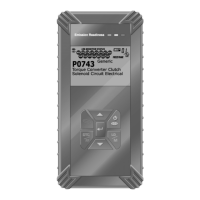
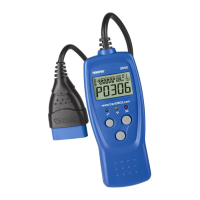
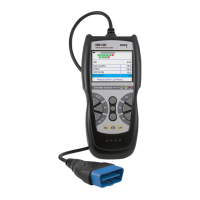
The Scan Tool can perform a check of the vehicle’s battery and
alternator system to ensure the system is operating within acceptable
limits. You can perform a battery check only, or an alternator system
(battery and alternator) check.
To perform a battery check ONLY:
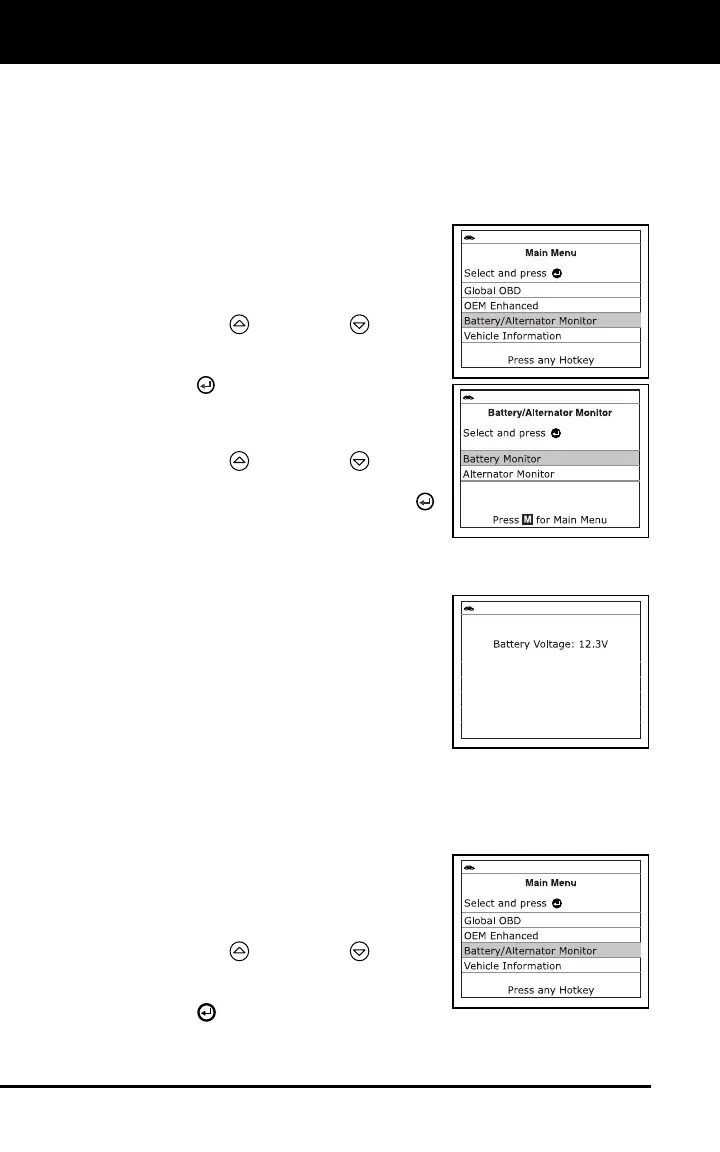
1. With the Scan Tool on the Code
Retrieval screen, press and release the
M button.
The Main Menu displays.
2. Use the UP
and DOWN buttons,
as necessary, to highlight Battery/
Alternator Monitor, then press the
ENTER
button.
The Battery/Alternator Monitor
Menu displays.
3. Use the UP
and DOWN buttons,
as necessary, to highlight Battery
Monitor, then press the ENTER
button.
A “One moment please” message displays, while the Scan Tool
retrieves the requested information.
4. When the battery check is complete, a
results screen displays the current
Battery Voltage, and indicates whether
or not the voltage is within acceptable
limits. The System Status LEDs provide
a PASS/FAIL indication, as follows:
Green = PASS
Yellow = Caution/LOW
Red = FAIL
5. Press the M button to return to the Main Menu.
To perform an alternator system check:
1. With the Scan Tool on the Code
Retrieval screen, press and release the
M button.
The Main Menu displays.
2. Use the UP
and DOWN buttons,
as necessary, to highlight Battery/
Alternator Monitor, then press the
ENTER
button.


 To Next Page