OnTime Clock
Installation and User Guide
Firmware Version 2
All claims based on information publicly available at time of printing. All other product or service names mentioned
in this document may be trademarks of the companies with which they are associated.
© 2017 Inova Solutions | All rights reserved | page 28
ipconfig -a xxx.xxx.xxx.xxx -m yyy.yyy.yyy.yyy -g zzz.zzz.zzz.zzz
-p vvv.vvv.vvv.vvv –s uuu.uuu.uuu.uuu
where:
xxx.xxx.xxx.xxx is the IPv4 address
yyy.yyy.yyy.yyy is the subnet mask
zzz.zzz.zzz.zzz is the gateway address
vvv.vvv.vvv.vvv is the primary DNS server IPv4 address
uuu.uuu.uuu.uuu is the secondary DNS server IPv4 address
In order to make the management of your system as easy as possible, Inova strongly
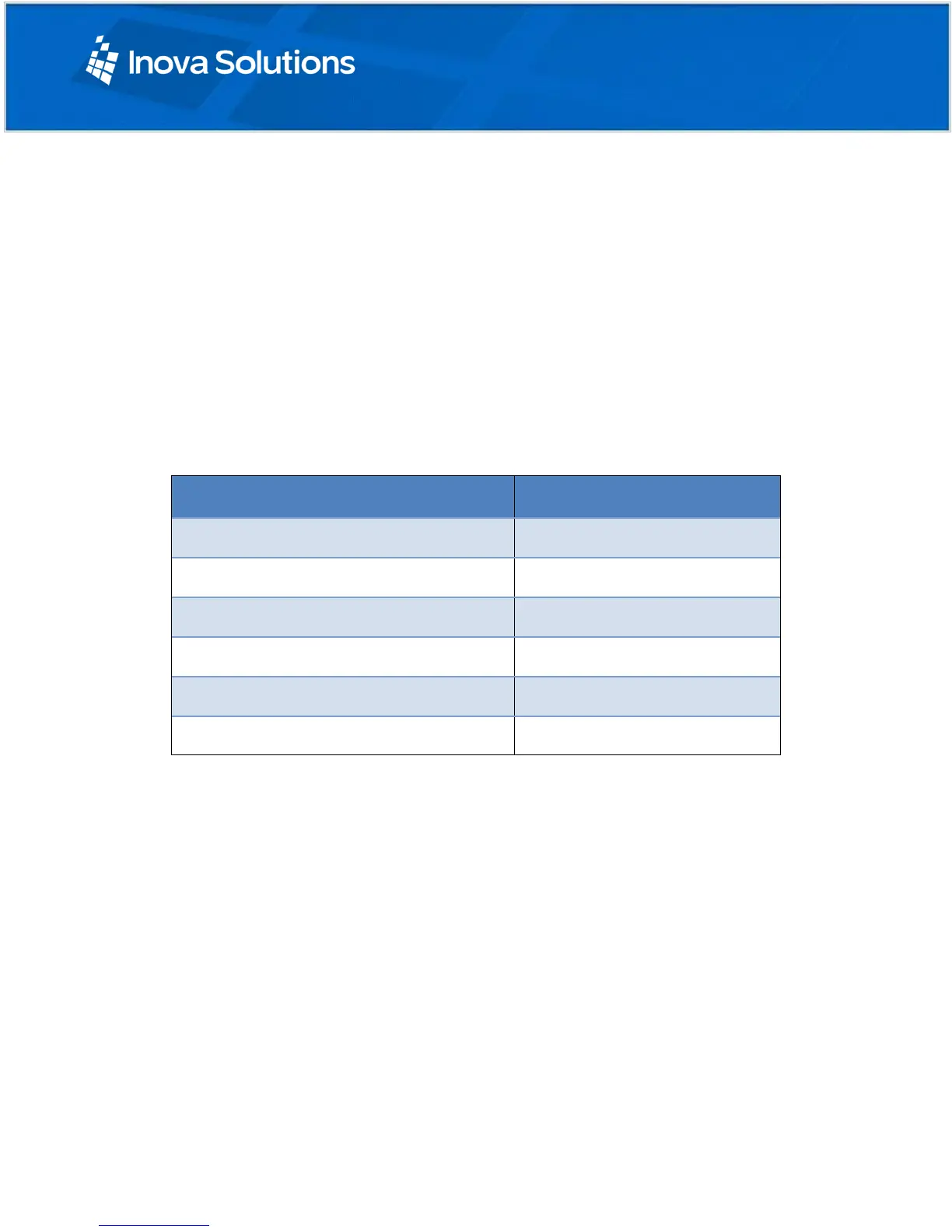
recommends that you record the IP Address for each clock in a table similar to the one
below, particularly if you have elected to set a static IP Address.
Table 8: IP Address Reference Table
7.3. Specifying a Primary or Secondary Time Server
Specify by IP Address or hostname the primary and secondary network time servers on
the LAN, WAN, or Internet with which the OnTime Clock will synchronize its time.
Note that while the primary time server can be set by DHCP configuration (Section 6), the
secondary time server can only be specified by logging on to the clock itself.
Specifying by IP Address is typically only safe if the address of the server is
under your IT group’s control. When specifying time servers on the Internet, use
the hostname.
Specifying by hostname requires that a DNS server is accessible to the clock:
If the clock IP Addressing is static, the DNS servers must be identified and
configured by IP Address as well (see previous section, above).



 To Next Page