EasyManua.ls Logo

Inova Solutions ontime - Clock Identification

Inova Solutions ontime
46 pages
Print Icon
To Next Page IconTo Next Page
To Previous Page IconTo Previous Page
Loading...
OnTime Clock
Installation and User Guide
Firmware Version 2
All claims based on information publicly available at time of printing. All other product or service names mentioned
in this document may be trademarks of the companies with which they are associated.
© 2017 Inova Solutions | All rights reserved | page 2
1.1. Clock Identification
This manual applies only to the current firmware version of the OnTime Clock, known
as firmware version 2. Referring to the table below, if you believe that you have an
OnTime Clock Firmware Version 1, please refer to Inova OnTime Support for the
appropriate manual.

Firmware Version 2
Firmware Version 1
Production Years
Mid-2015 to present
2005 to mid-2015
Firmware Versions
2.x
1.x
Organizationally Unique
Identifier (OUI), or MAC
Address Prefix
00-30-D1
00-60-35
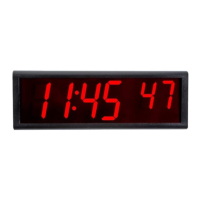
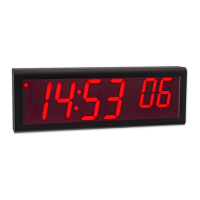
Digital Clock Identification
Observe the firmware
version on a reboot or power
cycle and look for firmware
version 2.x
Observe the firmware
version on a reboot or power
cycle and look for firmware
version 1.x
Analog Identification
No LED Digits on the Rear
Look for LED Digits on the
rear, which indicate a
firmware version 1 clock

Table of Contents

Related product manuals