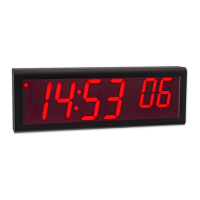
OnTime Clock
Installation and User Guide
Firmware Version 2
All claims based on information publicly available at time of printing. All other product or service names mentioned
in this document may be trademarks of the companies with which they are associated.
© 2017 Inova Solutions | All rights reserved | page 30
Note: The timezone command allows for a minutes offset specification as well as hours.
This is only needed in a few timezones around the world, if you do not need a minutes
offset, there is no need to specify the colon or minutes (as ‘:00’) . For example, the
specification of Paris, France’s timezone would look like this:
timezone 1
7.5. Configuring Daylight Saving Time
The following table identifies the process for setting daylight saving time.
The support web site at Inova OnTime Support contains a
DST calculator which can compute the correct DST
configurations string for you location. Obtain the correct
string and enter it with the dst –rule command.
Table 9: Configuration for Daylight Saving Time
Three additional time related configuration items should also be set initially. The
commands for setting 12/24 hour display, AM/PM indicator, and Colon On/Off are
identified in Appendix A: Clock Configuration.


 To Next Page