14
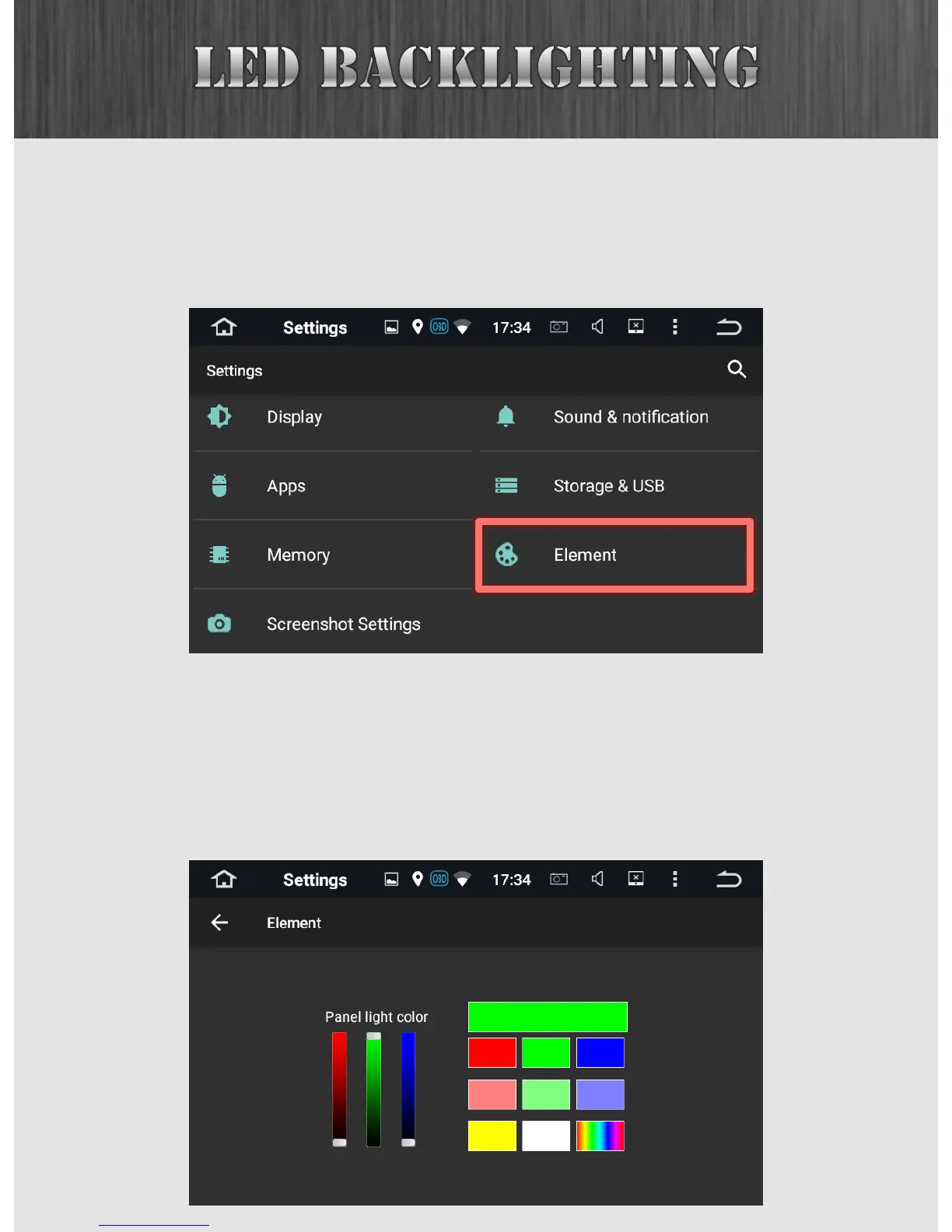
You can adjust your LED backlighting to be any color you’d
like. To do this, first go to the Settings menu (accessible
through the App Drawer), and then look for Element.
In here, you can either choose from the preset solid color
options, create your own color by using the sliders on the
left, or select the rainbow option which will set the system to
gradually fade through all colors in the rainbow.



 To Next Page