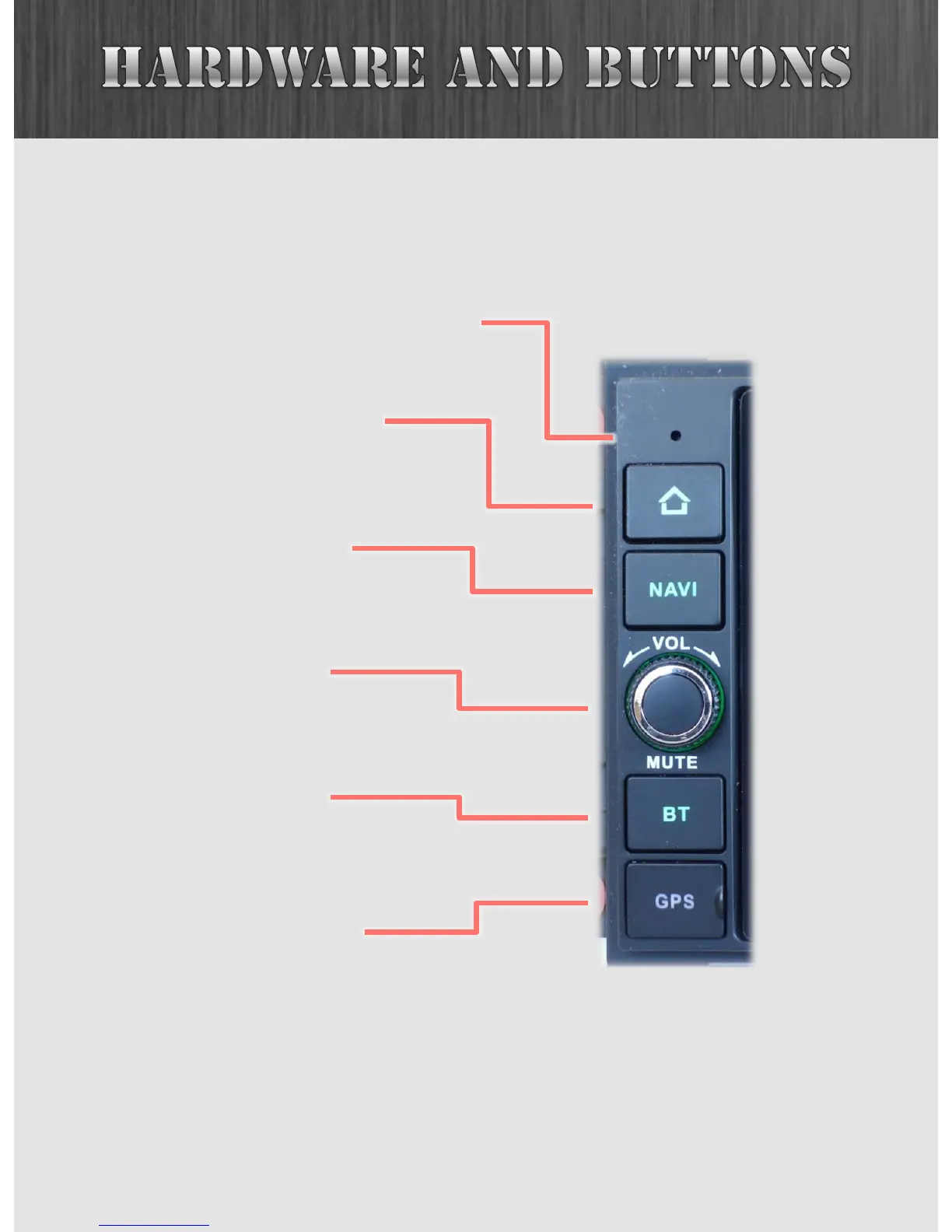
The following buttons are on the left side of your JK2001.
6
Turning this knob will
adjust the volume.
Push to mute.
The HOME button will bring
you back to the Home Screen
from any app.
The NAVI button opens the
Insane NavEngine app or
other custom app.
The BT button opens the
Bluetooth app.
Opening this flap will reveal
the slot where the Insane
NavEngine maps are stored.
internal microphone



 To Next Page