28
Similar to adding music to media being accessed by your
Insane Audio head unit, you can also add movies to your
storage media. Your Insane Audio head unit will play videos in
most modern file formats.
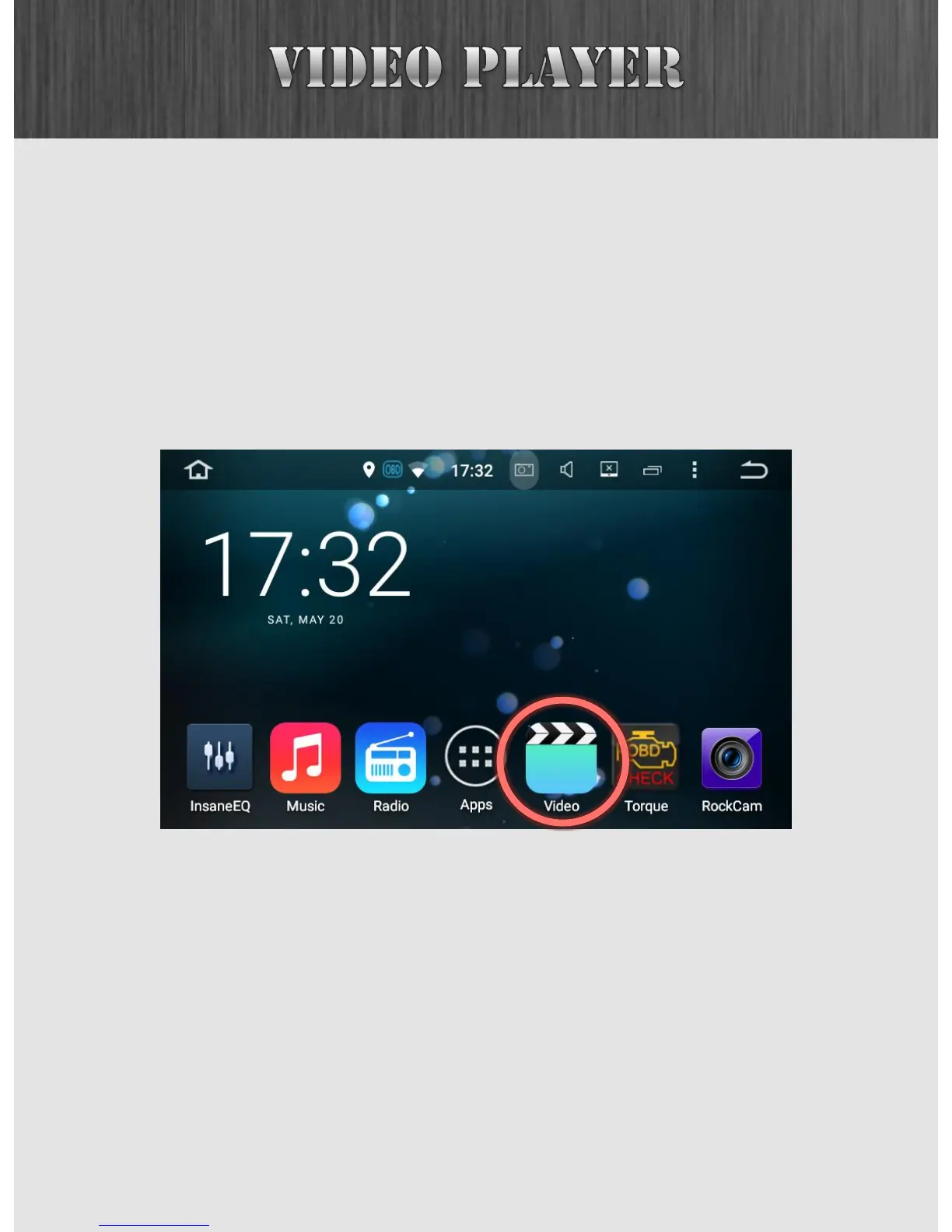
Once you have videos on your microSD card or a thumb drive,
you can access them in the Video app on the Home Screen.
The video player looks and feels very similar to the music
player, and you can select media sources, folders and files in
a similar fashion.



 To Next Page