40
Your Insane Audio head unit can connect to all kinds of
different Bluetooth devices. For example, you can connect to
your smartphone for both hands-free calling and media
streaming.
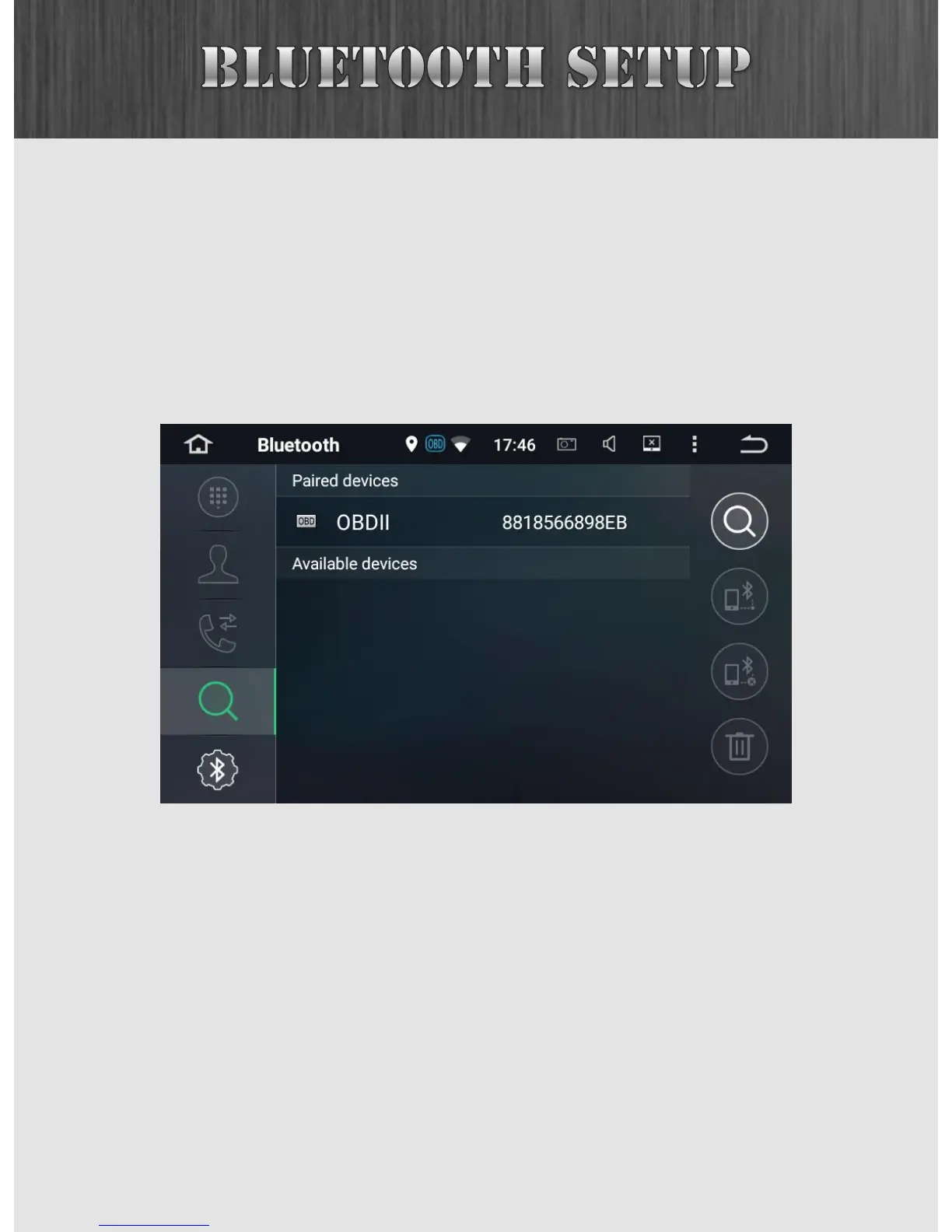
The first step is to launch the Bluetooth app by pressing the
BT button.
Since we have no devices connected yet, you’ll notice that
most icons at the left are greyed out.



 To Next Page