7
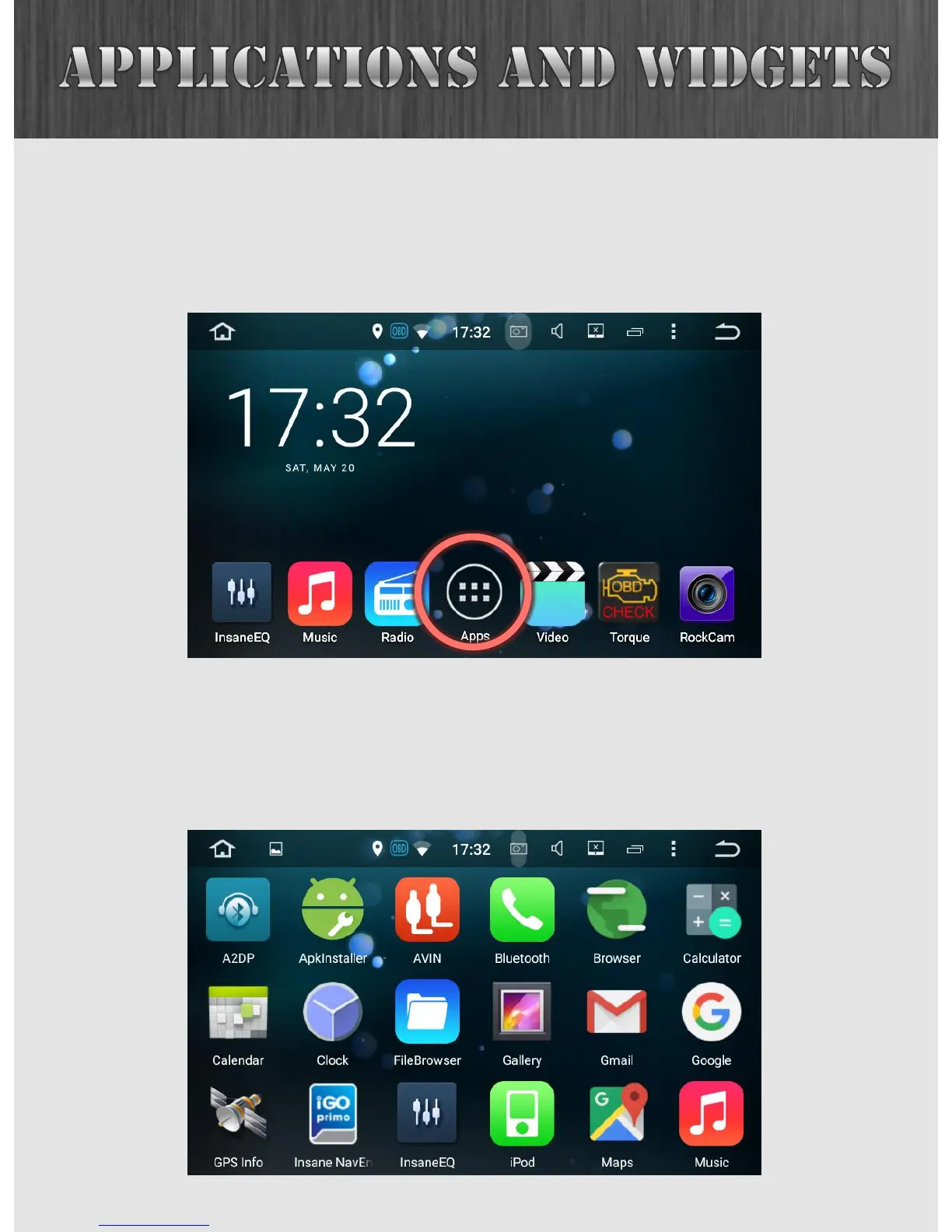
This is the main menu of your Insane Audio head unit. At the
bottom of your screen you will see an icon with six squares
grouped together. We call this the “six pack”.
Clicking on the six pack will lead you to the app drawer
where you can view all applications currently installed on the
system. Note that these are arranged alphabetically.



 To Next Page