29
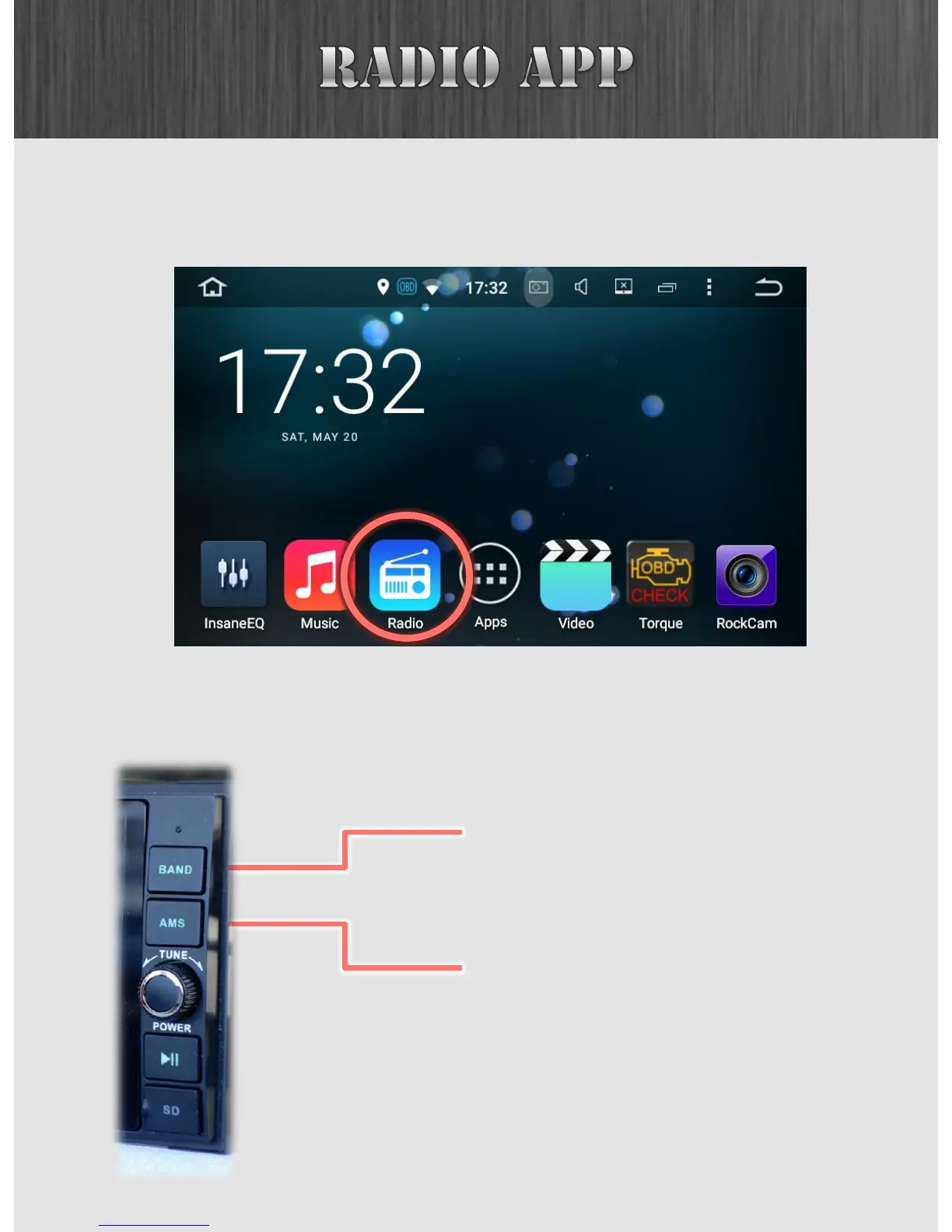
If you are looking for some good old fashioned AM/FM radio,
you can find the Radio app right on your Home Screen.
The BAND button switches between
FM1, FM2, FM3, AM1 and AM2 bands.
The AMS button automatically searches
for radio stations and stores them as
your presets.
Insane Audio’s JK2001 provides two buttons on the right
panel that work exclusively with the Radio app.



 To Next Page