22
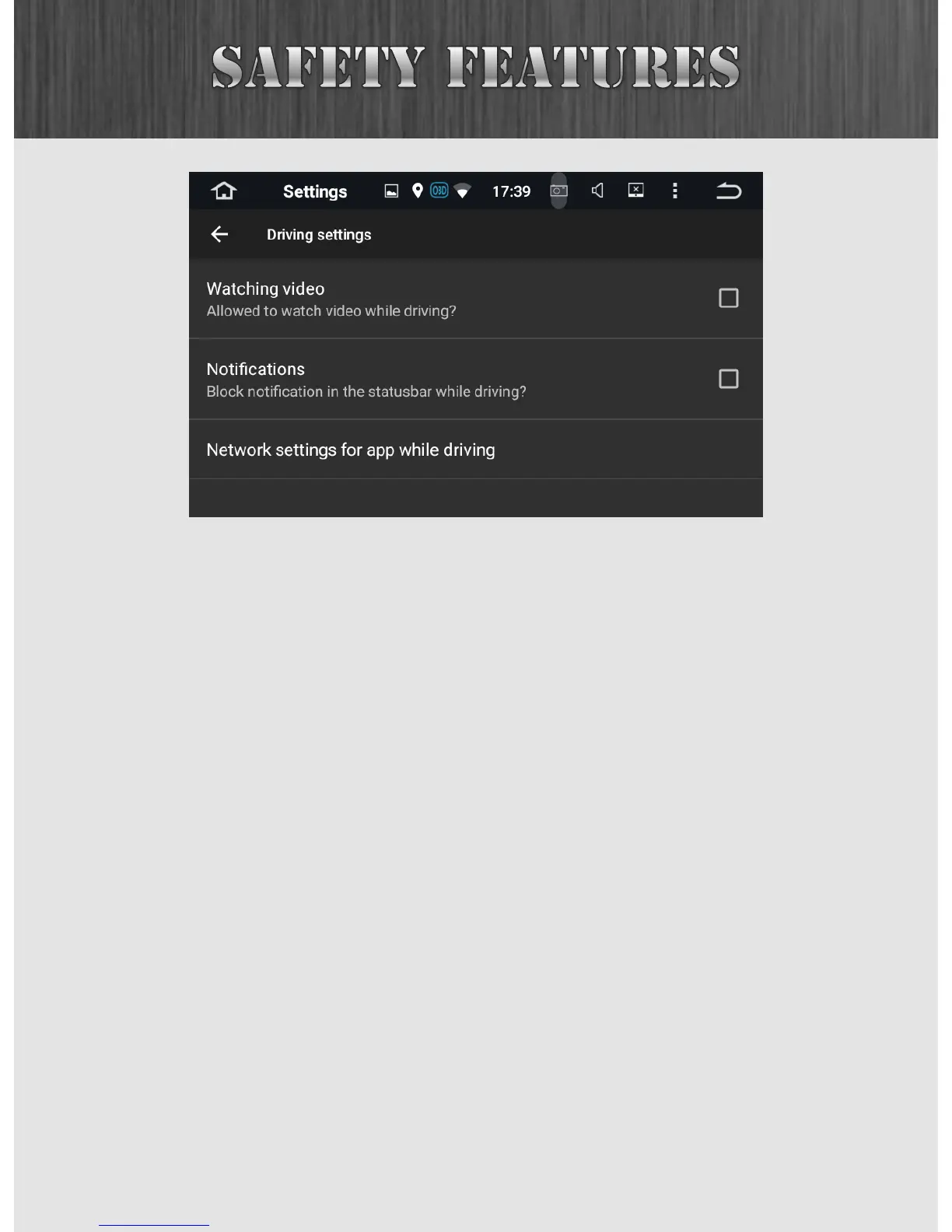
Watching video: When you are driving, your unit should
disable any video so as to not distract the driver. Checking
this setting will allow the unit to continue playing videos or
DVDs while the car is in motion.
Notifications: This setting will suppress notifications while
the car is in motion.
Network settings: This setting allows you to suppress certain
network data while you are driving. You can block or grant
network privileges to any app.



 To Next Page