32
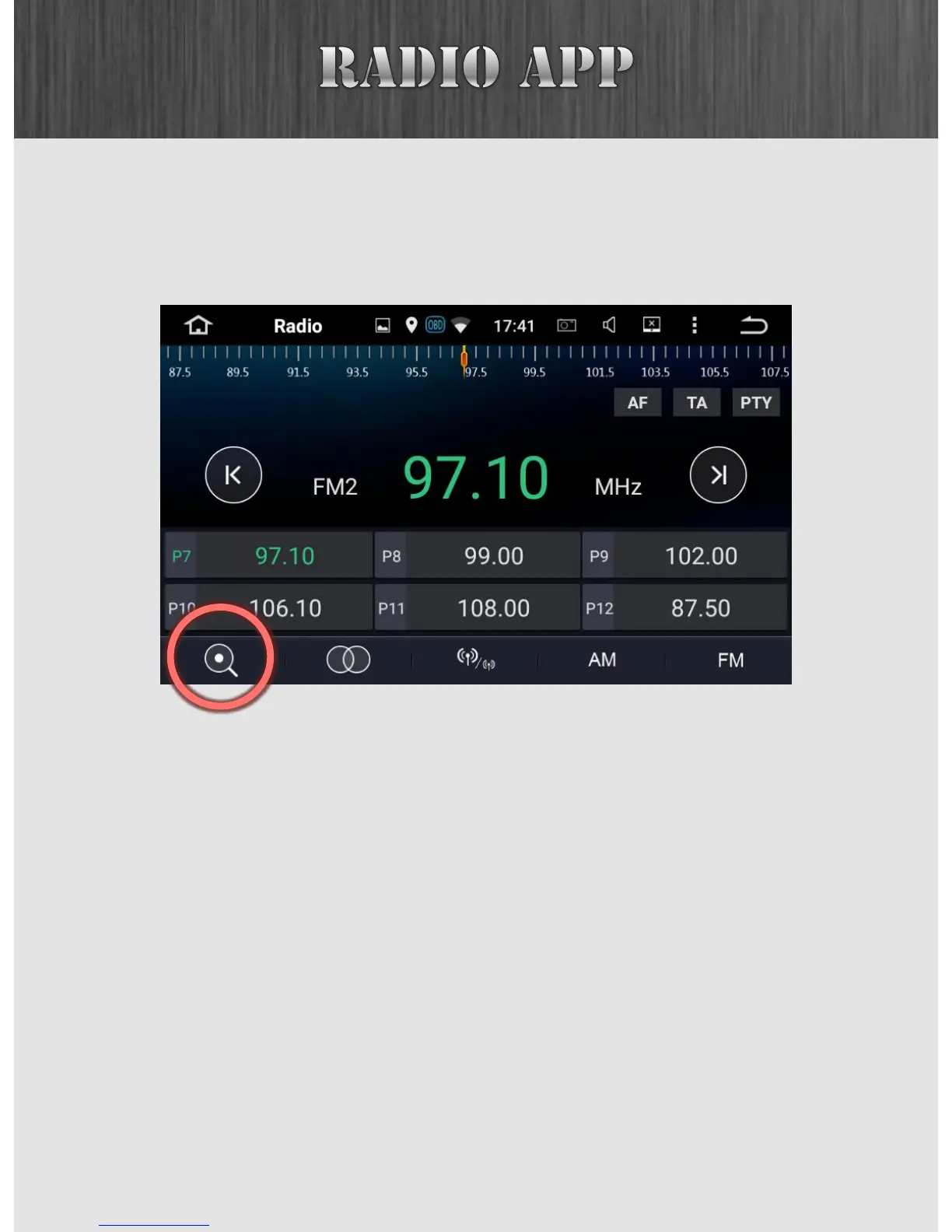
You can automatically search for radio stations by pressing
the AMS button. Alternatively you can tap on the AMS icon at
the lower left corner.
AMS is a good feature when you’re driving into an unknown
area. Simply press the button and it will scan through stations
and set your presets automatically. This is particularly useful
if you’re in a vehicle with steering wheel controls as you can
set the presets with the AMS button and then cycle through
them via your steering wheel controls.



 To Next Page