43
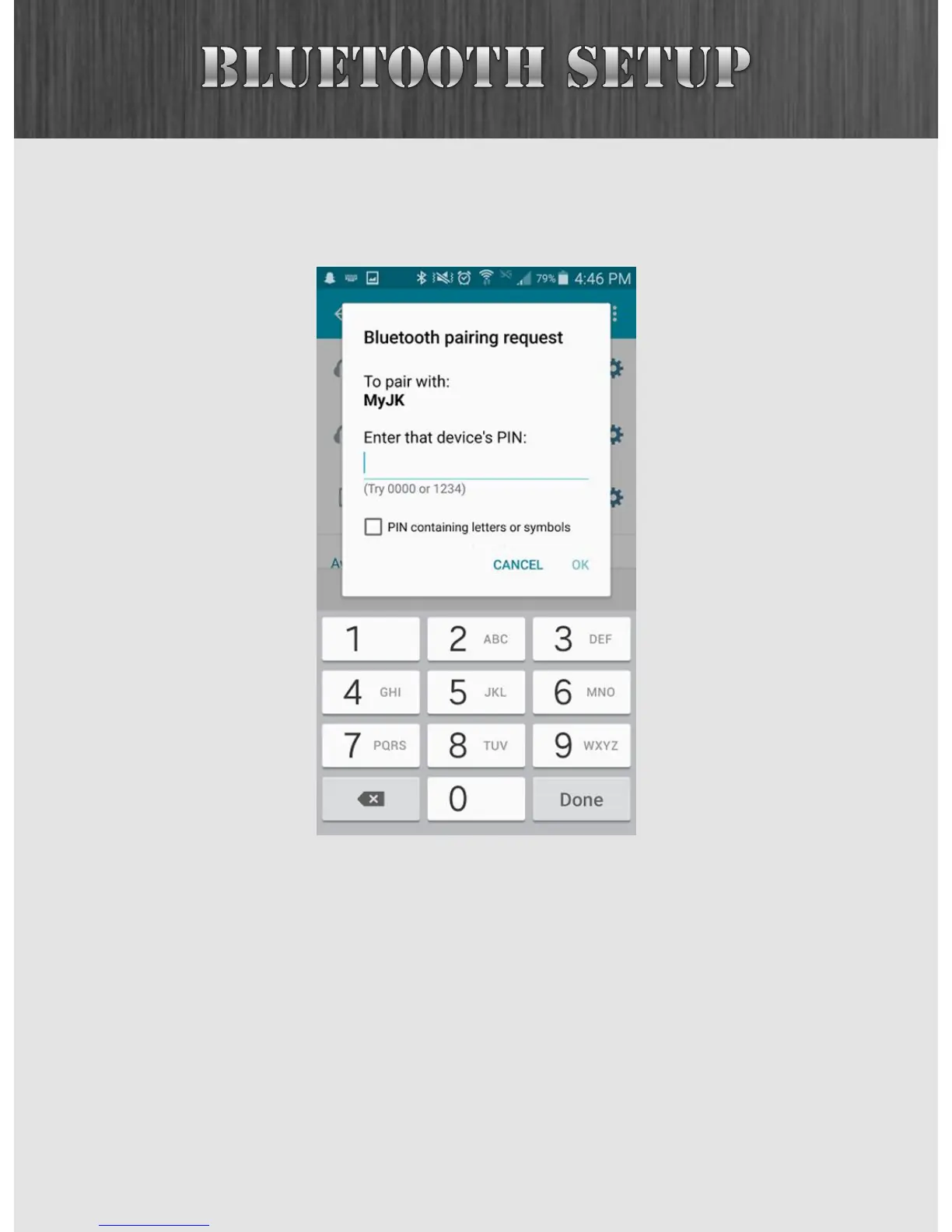
Once you attempt to connect, you’ll likely be asked for a PIN.
This is the one you just created earlier.
Once you have successfully paired your device, you’ll note
that more icons have come to life in the Bluetooth menu.
Let’s go ahead and stream some audio from our smartphone.



 To Next Page