51
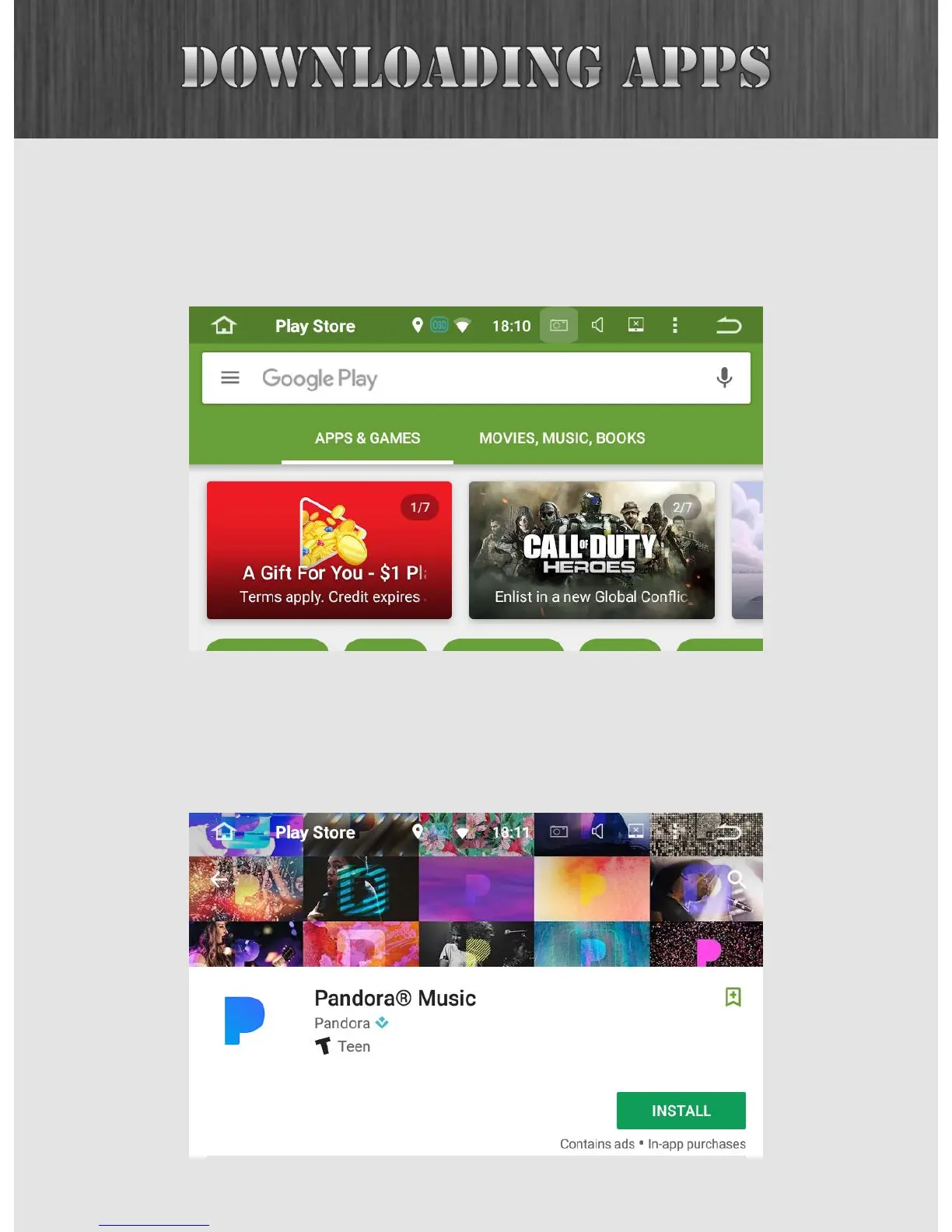
This is the Play Store main menu. In this example, we are
going to click on the search button and look for Pandora
Internet radio.
We found it, so the next step is to install it. After clicking on
the INSTALL button, the app will show up on both the Home
Screen (as a shortcut) and in the App Drawer.



 To Next Page