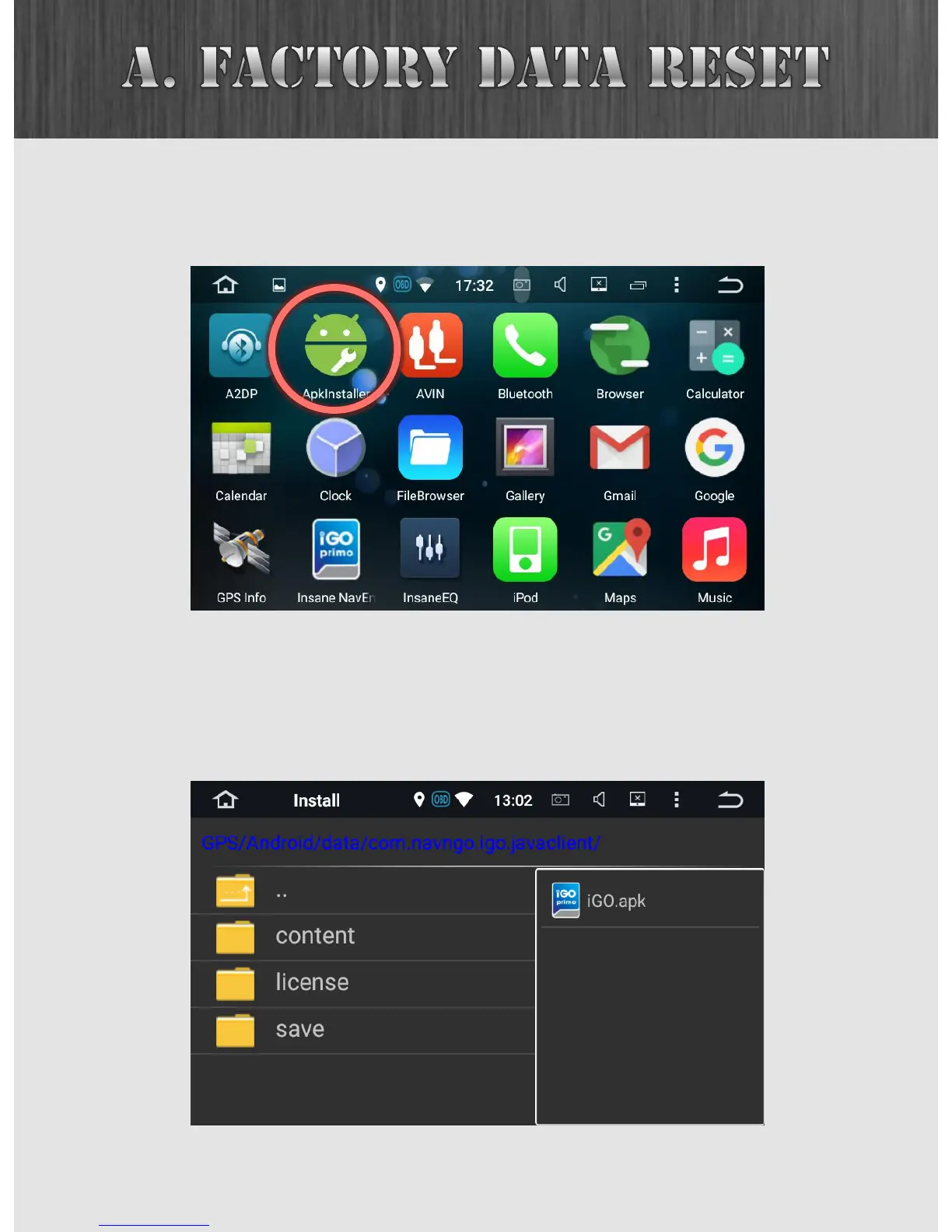
After resetting the unit, you’ll want to re-install Insane
NavEngine. From the App Drawer, open the ApkInstaller app.
59
Tap the INSTALL button and under GPS card, navigate to
GPS/Android/data/com.navngo.igo.javaclient. Open the
iGO.apk package and proceed with the installation.



 To Next Page