64
• Once you’ve removed all the paired devices, you’ll want to
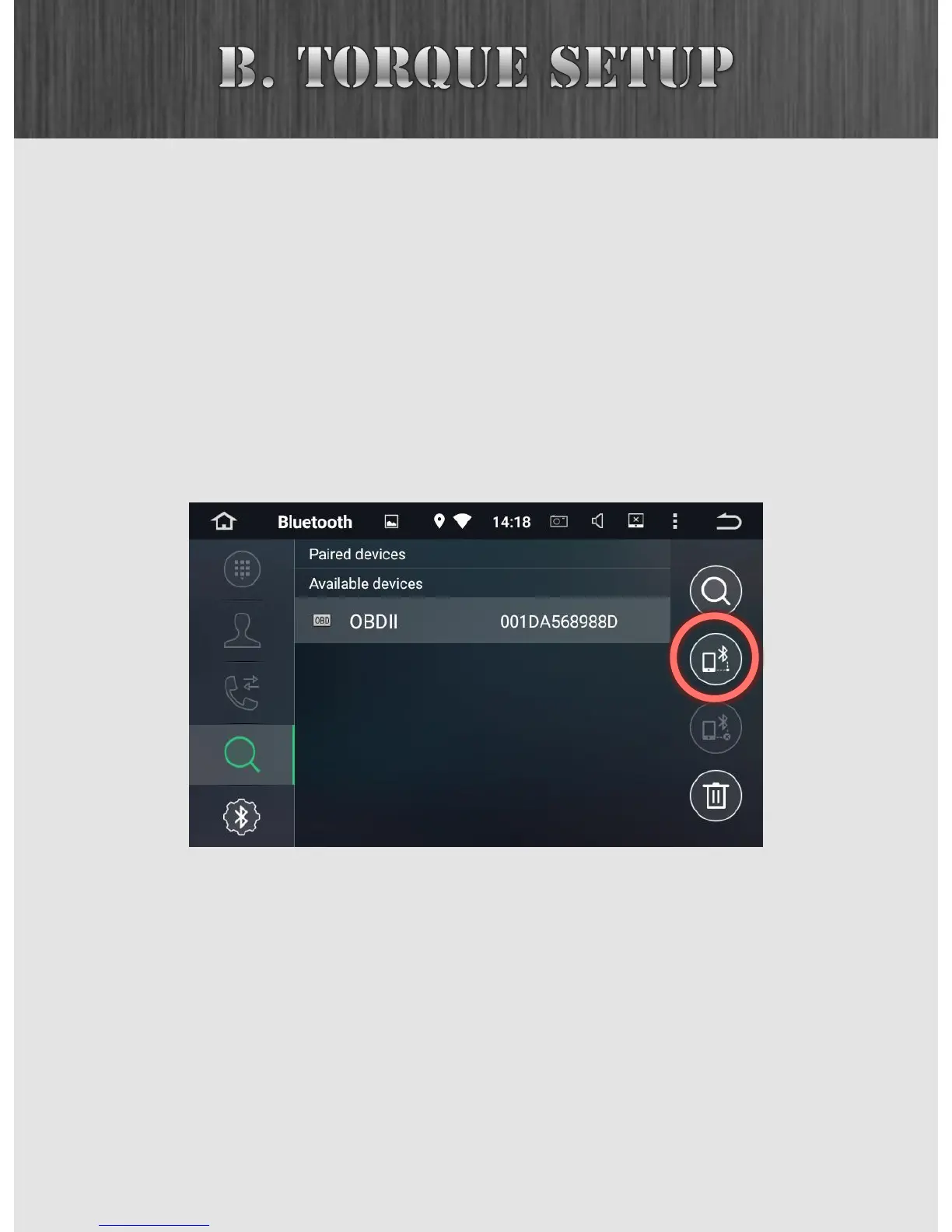
ask your Insane Audio head unit to search for all available
devices. Click on the search icon at the top right. The
search takes a little bit but should find your OBD
Bluetooth adapter.
• Select the OBD adapter under Available devices, and then
tap on the connect icon at the right.
• Once you successfully connect, your OBDII device will be
listed under Paired devices.



 To Next Page