9
It’s important to understand the differences between icons
on your Home Screen and applications in the App Drawer.
Icons on your Home Screen are simply shortcuts to
applications. So you can move or delete these however you’d
like.
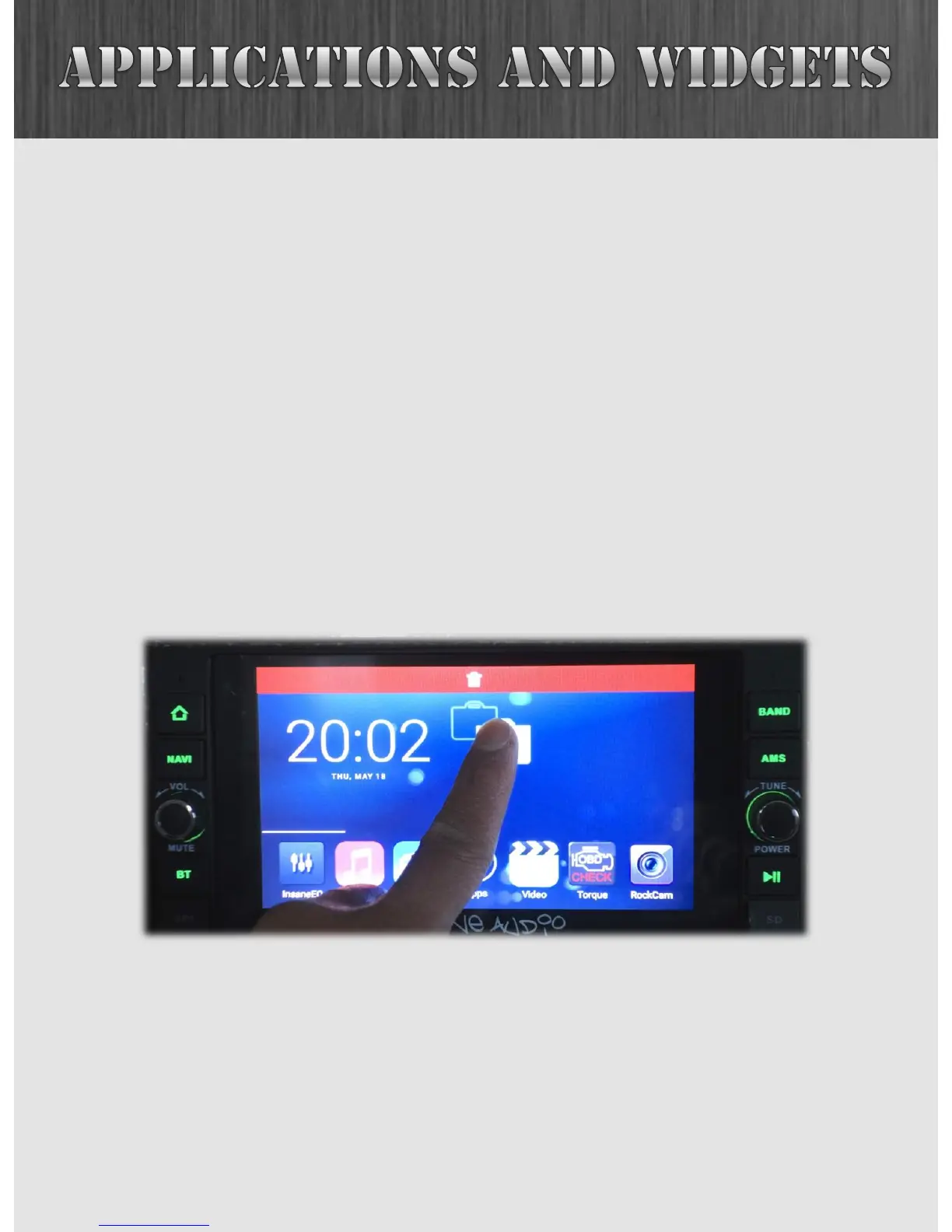
To delete an icon from your Home Screen, simply hold it
down then drag it to the trash. That application will still exist
in the App Drawer, however, so you can always add it back by
pressing the six pack and then dragging that application back
to your Home Screen.
Also note that you have several pages on your Home Screen
for icons or widgets. Try swiping the screen to the left and
right and check it out!



 To Next Page