11
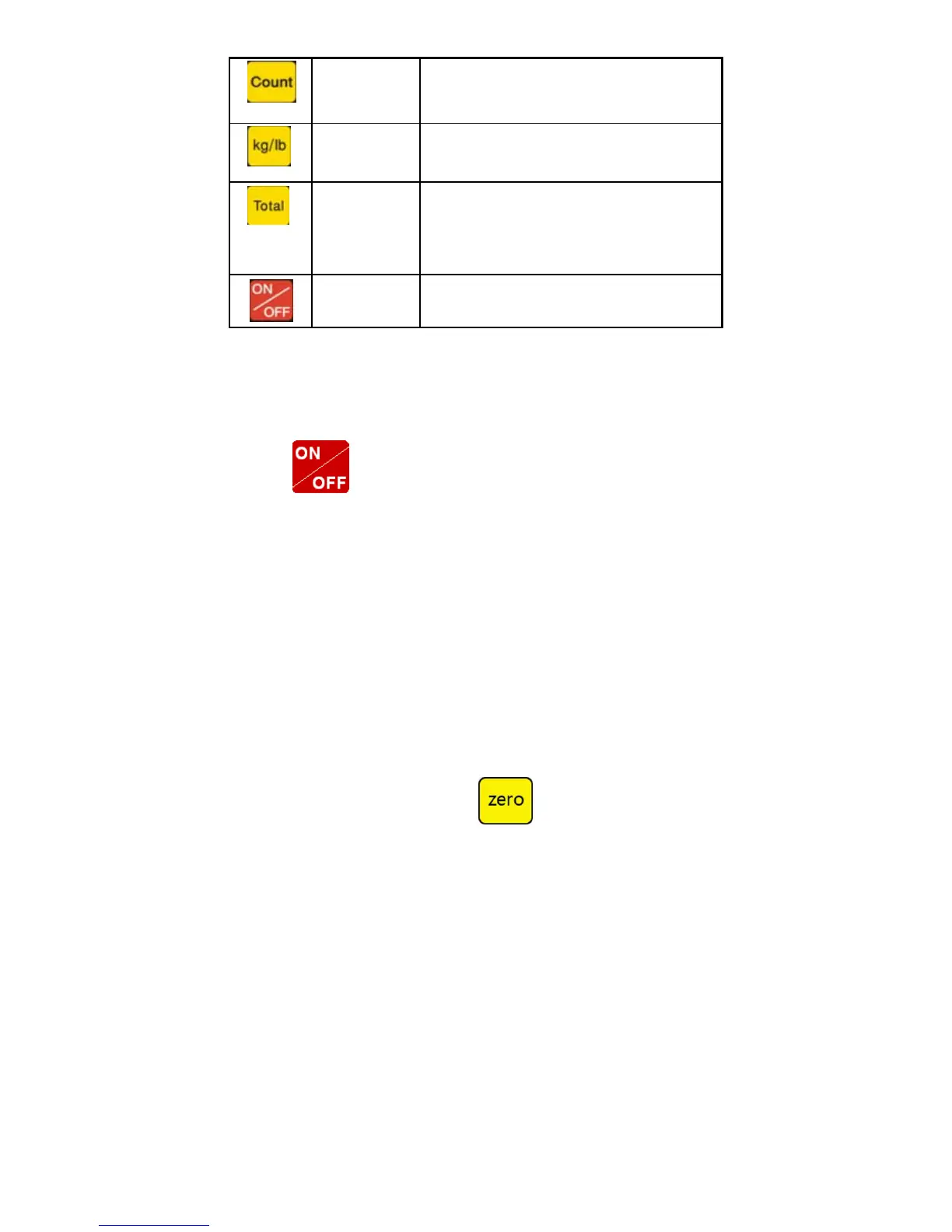
Counting
Counting operation
Kg/lb convert Covert between kg and lb
Accumulation
1. Accumulation
2. work together with “ Print” to perform
The accumulation function and check the
accumulation result
Power on/off
Press 2 seconds to power on or power off
3.2 Power on & off
Press 2 seconds to power on or power off, after power on the
indicator show”000000-999999”. After self inspection. It go to the weighing
mode. Pls. check it whether 6 bits LED/LCD display and the status light is
good or not.
3.3 Zero operation
1. Initial zero setting
When power on the indicator, if the weight on the scale is within the
initial zero tolerance, indicator show zero automatically.
2. Manually Zero setting
When the scales is stable, and not the negative display, you can zero
the weight within tolerance by press
keys.


 To Next Page