4
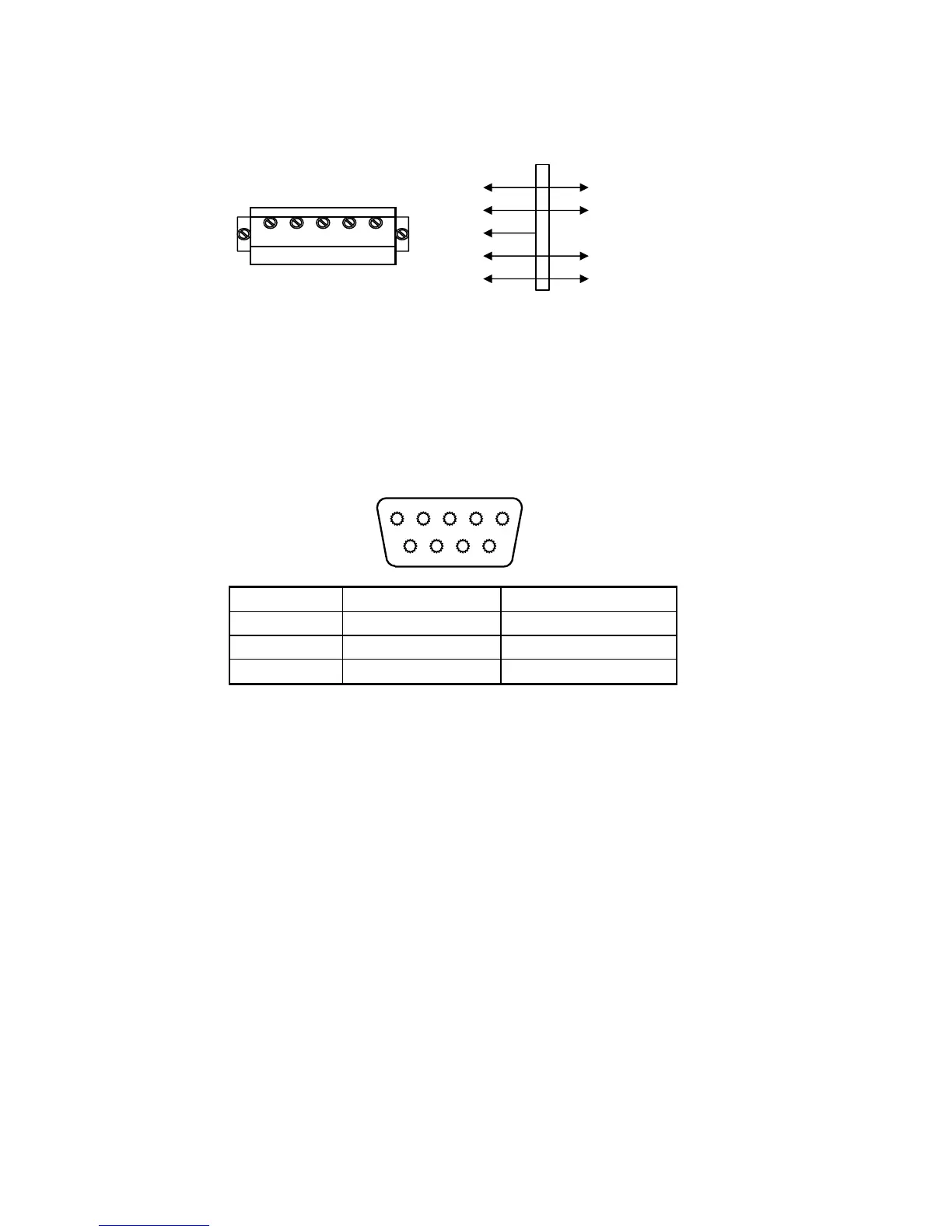
3. Open Weighing indicator back cover, insert signal cable to the
terminal trip(SENSOR), and make sure the screw is fixed tightly, the
connection as below:
Weighing display Load cell
+EXC + voltage
+SIG + output signal
HD ----------- Shielded
wire
- SIG - output signal
+EXC+SIG HD - SIG -EXC -EXC - voltage
2.3 Communication interface
RS232 : DB9 Pin or 3 Pin
DB9 definition
5 4 3 2 1
9 8 7 6
Pin function and definition as bellows:
DB9 joint Definition Function
2 TXD Sending data
3 RXD Receiving data
5 GND Ground interface
Note: if RS485, The connection pin is 2 and 5 pin.


 To Next Page