16
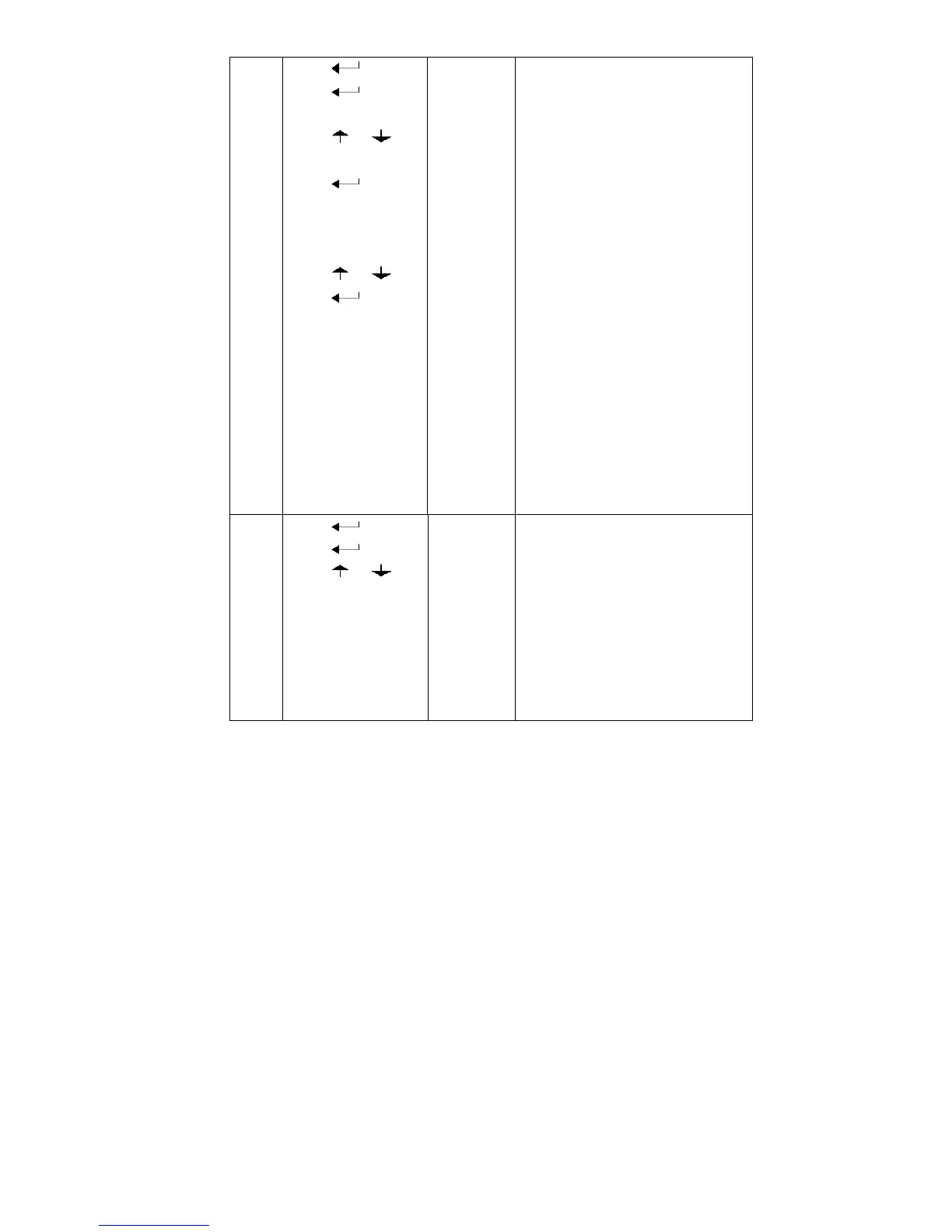
7 press
press
press or
press
press or
press
[C06 ]
[C06 0]
[C06 1]
[SPAN ]
[0100.00]
[0080.00]
[CAL 9]
……
[0080.00]
[CAL End]
calibration
option:
0=No need calibration
1= need calibration
Load weights on scales
according to max. capacity.
Suggest close to the max
capacity, at least 10% of max.
capacity.
For example: the weights is
80kg
As bellows:
Input the 0080.00, count down ,
then indicator shows 0080.00 ,
calibration is over.
If you want to set application
function parameter. Press
“PRINT” if you want to exit
press “COUNT”
8
press
press
press or
[C07 ]
[07 0]
[07 1]
Default parameters setting
option:0=non-restore default
parameters
1=restore default parameters
Note: after the above
parameters setting finish, please
do not set default parameters to
avoid the original setting
parameters is lost.


 To Next Page