IF1200A Pilot Operating Handbook 20. Planning a Mission
Example Mission, Continued
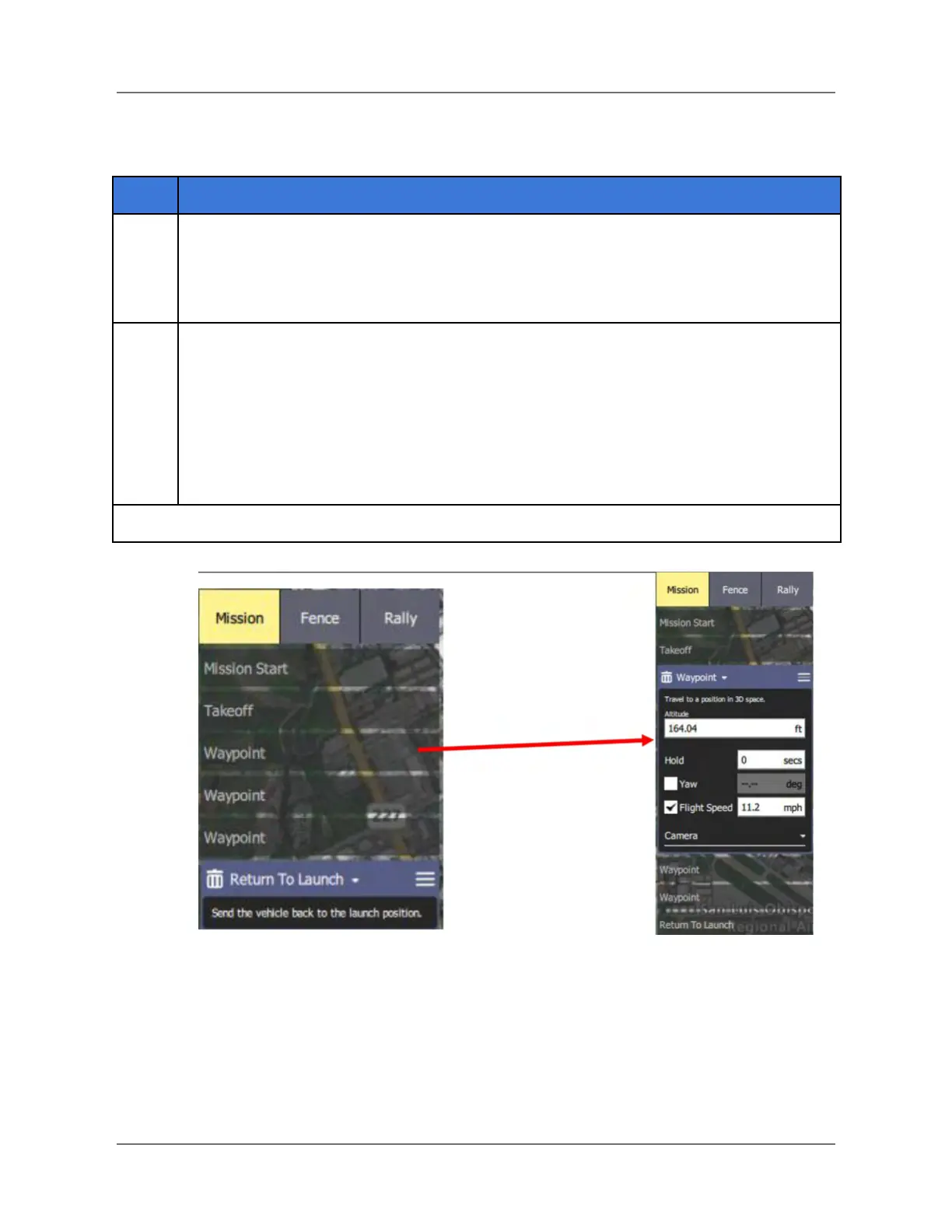
After you have finished planning a mission, you can see details of the mission in the
Mission Command List, on the right side of the screen. To see details about individual
events in the mission, select an event, such as a Waypoint, and details about that
event appear below it (see the figure below).
Note: The mission can be uploaded to the aircraft two ways: wirelessly; or via a
physical connection. The following steps describe both ways.
1. power on the aircraft
2. If you are uploading the mission wirelessly, proceed to Step 14.
3. If you are uploading the mission via a physical connection, connect a USB
cable between the device supporting QGC and the USB port on the aircraft.
Then go to the next step.
Figure 27. View Details About Mission Events
IFT Doc Num 102094, Rev 1.02 Page 52



 To Next Page